
Buying an old-school m.2 sata ssd for a high-end setup today will severely bottleneck your modern system performance. To give you the direct answer immediately, legacy solid-state tech falls short for premium gaming PCs in 2026.
Modern game engines require massive, instantaneous asset streaming directly from your storage drive to your graphics card vRAM. Consequently, the slower speed limit of a SATA bus creates frustrating stuttering issues during heavy open-world asset loading sequences.
However, this older storage tech remains perfectly fine if you focus primarily on lightweight indie games or older competitive esports. Therefore, using these slower drives makes total sense only when assembling a highly cost-effective budget gaming storage drive setup.
This technical storage breakdown details our hardware benchmark conclusions first, then explores underlying motherboard bandwidth physics. We will evaluate real-world file transfer rates, game engine streaming mechanics, and modern direct asset storage technologies below.
The Speed Wall: Understanding NVMe vs SATA Gaming Load Times
Every experienced system builder remembers when moving from a mechanical hard drive to solid-state storage felt like pure magic. In those early hardware days, the basic SATA interface easily handled everything that software developers threw at it.
As we navigate through 2026, modern game design has completely outgrown those older storage pipeline limitations. Analyzing real-world nvme vs sata gaming load times reveals a massive, undeniable performance gap between these two drive formats.
Standard SATA drives hit a hard physical speed ceiling right around six hundred megabytes per second. Meanwhile, modern PCI Express Gen 4 NVMe storage sticks routinely blast past seven thousand megabytes per second.
This massive twelve-fold increase in raw bandwidth changes how modern game levels load behind the scenes. While a SATA drive makes you stare at loading screens, an NVMe drive drops you into the action instantly.
DirectStorage Integration: Why Legacy M2 Drive Performance Stalls
True next-generation game design relies heavily on Microsoft’s DirectStorage API to maximize hardware efficiency across modern computer systems. This specialized software toolkit bypasses slow central processor decompression loops entirely to accelerate asset streaming workflows.
The system pulls compressed texture files directly from your storage hardware into your graphics card memory space. Unfortunately, relying on older legacy m2 drive performance profiles completely breaks this high-speed data delivery pipeline.
When a modern game engine calls for gigabytes of environment textures, the narrow SATA pipeline chokes instantly. As a direct result, players experience ugly visible texture pop-in and sudden frame-rate drops during fast movement.
You lose the smooth, immersive gameplay experience that modern game developers spend millions of dollars calibrating for your enjoyment. Having a fast graphics card means very little if your storage drive cannot feed it data quickly enough.
The Smart Exception: Where the M.2 SATA SSD Still Makes Financial Sense
Despite these clear speed limitations, you should not throw your existing SATA drives into the trash bin just yet. Hardware optimization requires matching your specific component budget to the exact software tasks you run every single day.
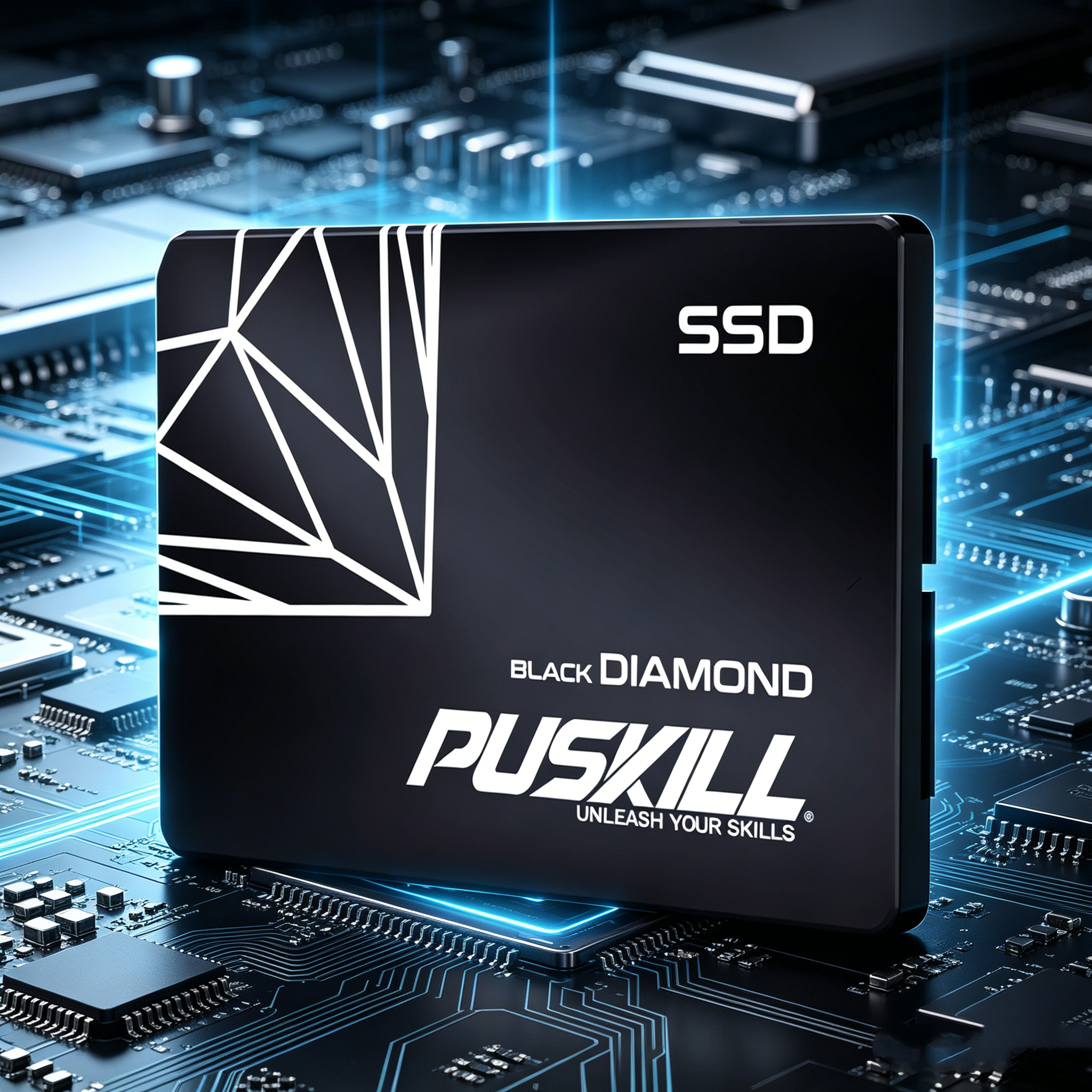
Utilizing an m.2 sata ssd remains a highly intelligent choice for secondary storage expansion inside cost-conscious builds. These affordable sticks run completely silent, generate very little operational heat, and install without annoying data cables.
-
- Massive Indie Game Collections: Smaller indie titles do not utilize advanced direct streaming technologies, running perfectly on slower drives.
- Esports Gaming Libraries: Popular competitive games like Valorant or League of Legends scale beautifully on basic solid-state hardware.
- Retro Emulation Storage Hoards: Older arcade and console game files load instantly, requiring zero high-speed NVMe bandwidth.
- Dedicated Cold Storage Vaults: Safely house your massive backup files, family photos, and media libraries without spending a premium.
Calibrating Windows Page File Locations to Protect System Responsiveness
Achieving peak operating system snappiness requires keeping your active Windows virtual memory swap space on your fastest physical hardware. Learn more about configuring Windows pagefile destinations to prevent a slow secondary drive from dragging down your overall desktop multitasking speeds.
Erasing Installation Confusions Across Modern Motherboard Slots
Navigating the physical installation process for small M.2 form-factor drives presents a common trap for beginner system builders. Many amateur builders assume that every single tiny slot on a modern motherboard accepts every type of M.2 card.
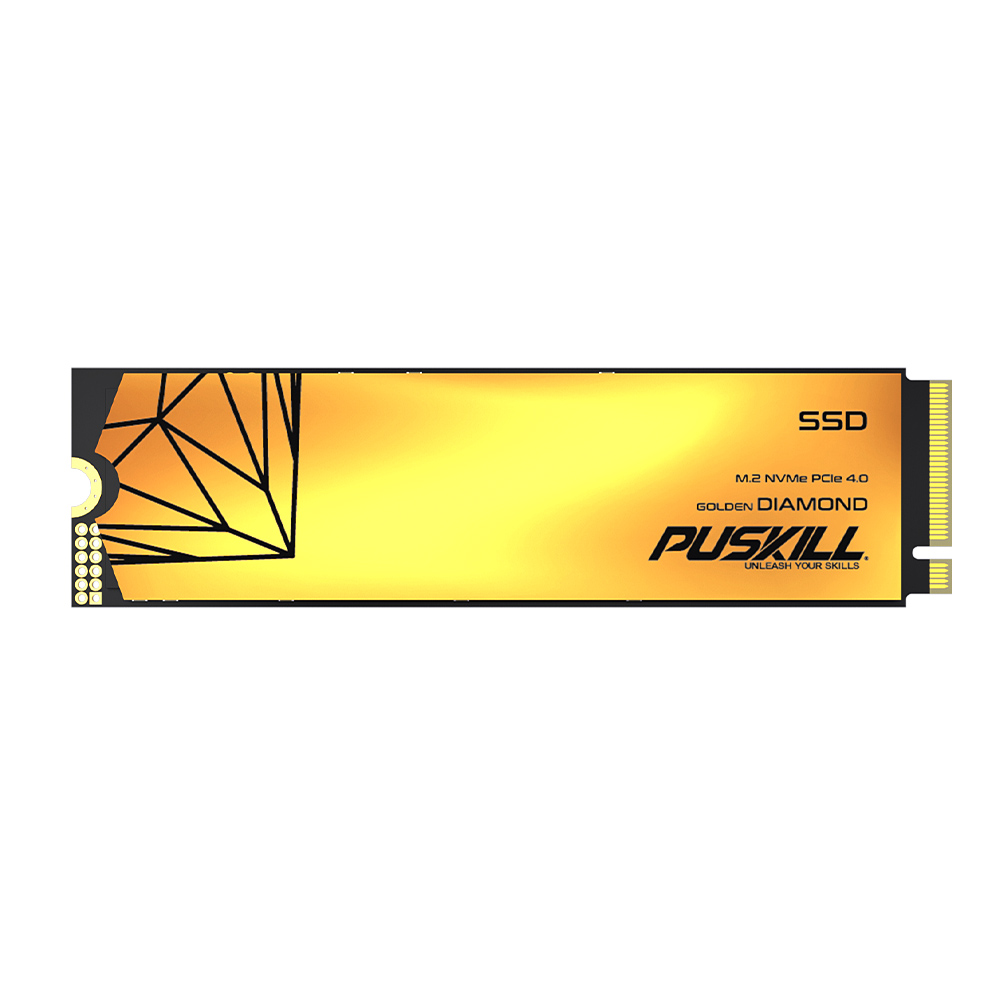
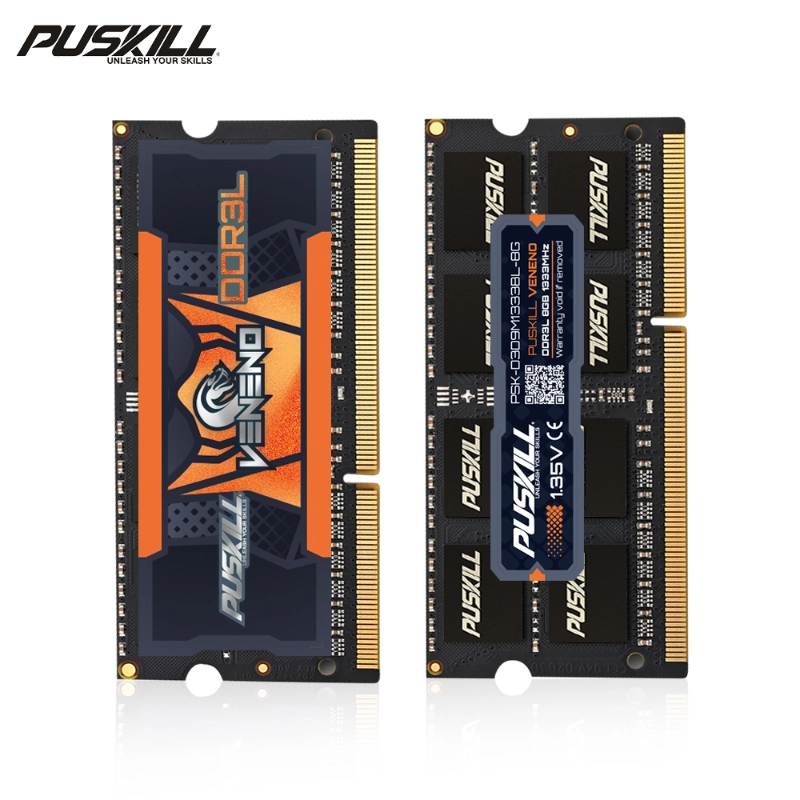
Fortunately, learning the basic physical differences between drive connector keys prevents you from destroying your expensive hardware components. Standard SATA-based sticks feature two distinct cutouts along their gold edge connectors, known technically as B and M keys. Read our PC hardware assembly guide to identify your specific motherboard slot compatibility markings before buying new parts today.
Additionally, double-check your specific motherboard instruction manual before plugging an older drive into a secondary lower slot. Ensuring your board slot actively supports the legacy SATA protocol prevents the frustrating issue of a drive failing to detect inside BIOS screens.
The Strategic Choice: Balancing Component Budgets for Maximum Value
Balancing your hardware budget requires allocating cash to the components that deliver the biggest performance impact per dollar spent. Successful system builders look past raw capacity numbers to evaluate the long-term usability of their storage setup over multiple upgrade cycles.
First, choosing a fast primary NVMe drive protects your system responsiveness during heavy background operating system updates. When your main drive handles data transactions quickly, your entire PC feels incredibly smooth during daily work tasks. This speed saves you time.
Second, saving money on secondary storage allows you to allocate more cash toward a faster graphics card or processor. You eliminate the high costs of buying premium storage space that your favorite everyday software games do not even use. Your storage configuration stops being an expensive guessing game and becomes a perfectly tuned engine for your gaming hobby.
Navigating Storage Upgrades with Absolute Confidence
Looking back across our deep hardware investigation, the empirical benchmark data proves that times have changed. Moving past the old SATA interface is completely mandatory if you want to play the latest blockbuster titles without stuttering.
By placing a fast NVMe drive at the heart of your system, you take total control over your loading speeds. Relying on verified storage setups for gaming PCs in 2026 ensures your computer runs your favorite software smoothly around the clock. Invest in modern high-speed storage pipelines today to protect your gaming experience, optimize your system frame rates, and enjoy your play time.


Add comment