
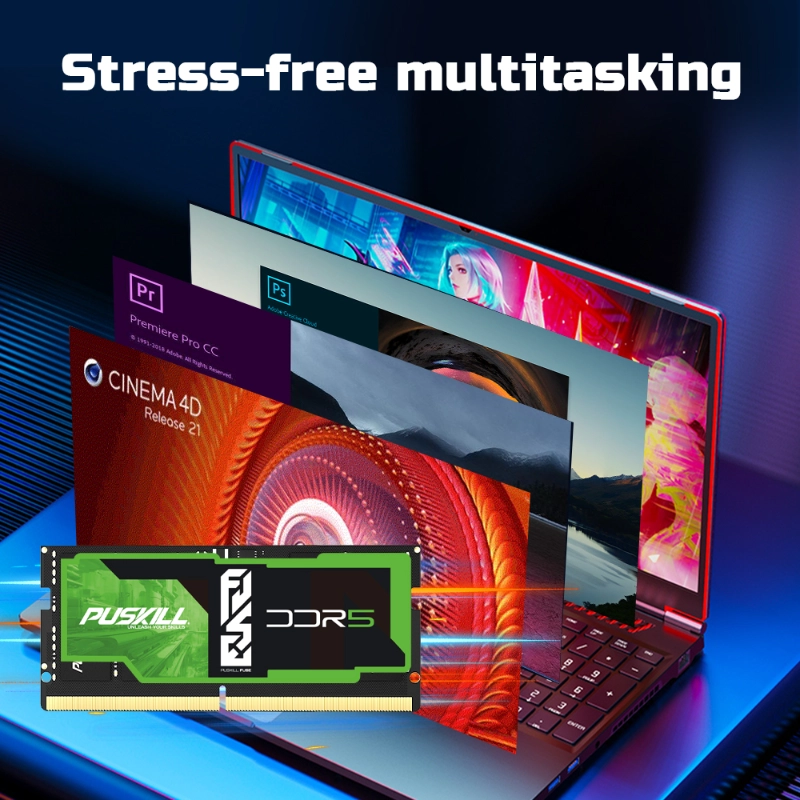
Upgrading your gaming rig to low latency DDR5 RAM instantly removes CPU bottlenecks during intense gameplay. Consequently, this hardware upgrade delivers higher average frame rates and smoother motion.
Modern AAA games demand massive real-time data transfers between your graphics card and processor. However, raw clock speed alone cannot prevent sudden frame drops during chaotic battles.
Instead, tight CAS latency controls how quickly your memory responds to urgent CPU requests. Indeed, choosing optimized DDR5 modules reduces system delays across demanding competitive esports titles.
Ultimately, low-latency memory transforms choppy gameplay into a silky-smooth visual experience. Now, let us examine the primary hardware bottlenecks that slow down high-end gaming PCs.
The Hidden Bottleneck: Why Raw Bandwidth Alone Cannot Stop Gaming Stutters
Many PC builders incorrectly assume that higher megatransfers per second automatically guarantee maximum gaming performance. Consequently, they purchase ultra-high-frequency memory kits with loose, unoptimized factory timings.
Demystifying CAS Latency and Clock Speeds in Modern Memory
Memory speed depends on two core metrics: clock frequency and Column Access Strobe (CAS) latency. Frequency measures how many cycles your RAM completes every second.
Meanwhile, CAS latency measures the exact delay before your RAM delivers requested data. Therefore, high clock speeds paired with high latency can actually feel sluggish during fast-paced gaming sessions.
How Memory Access Spikes Cause Frustrating 1% Low FPS Drops
When your processor waits for critical game assets, the screen momentarily freezes.Gamers experience these tiny hitters as micro-stutters or severe 1% low frame drops.
Therefore, lowering memory response time helps your processor render background objects much faster. Selecting the lowest latency DDR5 for gaming stabilizes your frame delivery during intense combat.
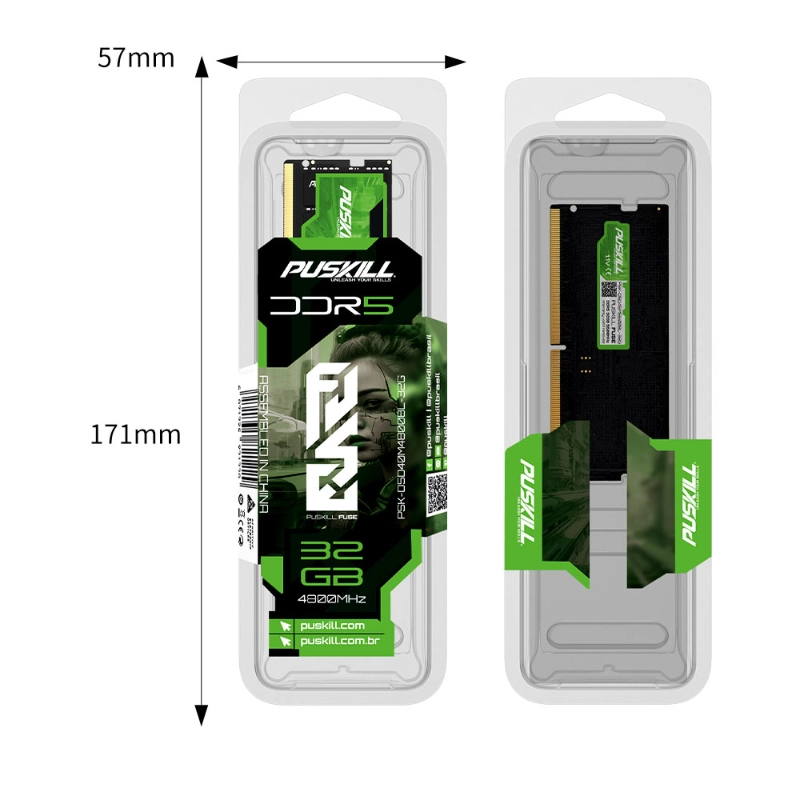
Technical Deep Dive: How Low Latency DDR5 Accelerates CPU-Bound Gaming
Modern game engines process physics calculations, enemy artificial intelligence, and player movements simultaneously on the CPU. Therefore, fast memory access becomes essential for maintaining high frame rates at lower resolutions.
Eliminating Data Traversal Delay in Fast-Paced Esport Titles
Competitive shooters like Counter-Strike, Valorant, and Apex Legends demand extreme frame rates for smooth tracking. In these fast titles, the processor constantly requests micro-updates from system memory.
-
- Faster Command Execution: Low latency cuts idle waiting cycles during high-speed movement.
- Reduced Input Lag: Actions respond instantly to your mouse clicks and keyboard presses.
- Consistent Frame Delivery: Eliminates sudden frame spikes during heavy smoke and particle effects.
- Smoother Asset Streaming: Loads high-resolution textures without hitching or texture popping.
Consequently, deploying high speed DDR5 memory gives competitive players a distinct physical advantage over opponents.
Unlocking Full Processor Power for Next-Gen Game Engines
Next-generation game engines utilize complex multi-threading architectures to manage realistic physics environments. However, slow memory timings bottleneck powerful multi-core processors, leaving valuable compute performance unused.
In contrast, tight DDR5 sub-timings allow memory channels to clear queues rapidly. Therefore, your multi-core CPU receives data streams without waiting for stalled memory registers.
Real-World Performance Impact: High Latency vs. Low Latency DDR5
True Latency Calculations
True latency represents the actual time measured in nanoseconds before data transfers begin. A DDR5-6000 kit with CL30 achieves a ultra-fast 10 nanosecond response time.
Conversely, a DDR5-6000 kit with CL40 takes over 13.3 nanoseconds to respond. That 33% increase in delay directly impacts real-time gaming performance.
Average Frame Rate Gains
In CPU-bound titles, switching from high latency to low latency memory boosts average frame rates significantly. Specifically, gamers often observe 10% to 15% higher average FPS numbers.
1% Low Frame Rate Improvements
The most dramatic improvement occurs in minimum frame rate consistency. Low latency memory elevates 1% low frame rates by up to 20%.
Consequently, stuttering vanishes completely during explosive, action-heavy game scenes. Your display remains fluid even during demanding open-world encounters.
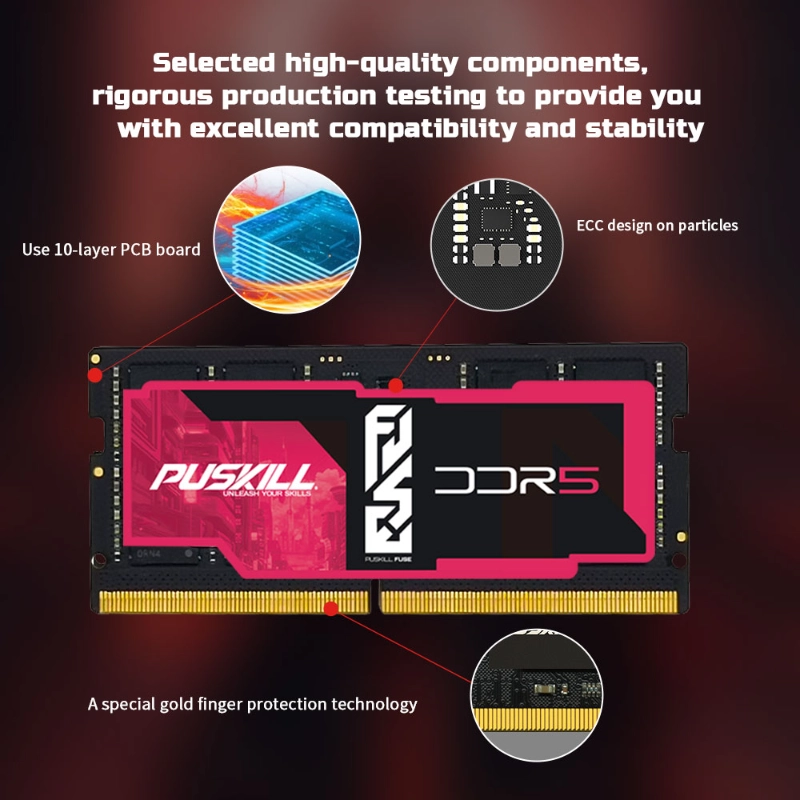
Industry Hot News: CUDIMM Modules and High-Frequency Low-Latency Profiles
The memory industry continues to evolve at a blistering pace through 2026. Recent hardware announcements from major memory manufacturers highlight revolutionary advancements in desktop memory architecture.
The Rise of Clocked Unbuffered DIMM (CUDIMM) Technology
Hardware manufacturers recently introduced CUDIMM modules featuring integrated clock drivers directly on the memory stick. This innovative design stabilizes high-frequency signals at extreme speeds exceeding 8000 MT/s.
Furthermore, these advanced modules allow enthusiasts to achieve tight sub-timings without sacrificing system stability. Consequently, gamers can finally combine ultra-high bandwidth with ultra-low latency.
AMD EXPO and Intel XMP 3.0 Profile Innovations
Pre-configured memory profiles make overclocking effortless for everyday PC builders. Modern motherboards now support advanced one-click profile switching for both AMD and Intel platforms.
These custom profiles optimize secondary and tertiary sub-timings automatically. Therefore, users can reduce system latency with DDR5 RAM without manually tweaking complex BIOS voltage settings.
1.Install RAM Sticks into Primary Dual-Channel Slots:
Hardware Installation.
Consult your motherboard manual to identify primary dual-channel slots, usually slots two and four. Press down firmly until locking tabs snap shut.
2.Enter Motherboard BIOS Settings During Startup:
BIOS Access.
Power on your system and repeatedly tap the Delete or F2 key to enter the BIOS configuration screen.
3.Enable Intel XMP or AMD EXPO Memory Profiles:
Profile Activation.
Navigate to memory settings and select Profile 1 to apply factory-tested low-latency timings and voltages automatically.
4.Run Memory Diagnostic Tests Before Gaming:
Stability Testing.
Save settings, boot into Windows, and run a dedicated memory stress test to verify system stability.
FAQ:
What is considered a good CAS latency rating for DDR5 RAM?
For DDR5 memory running at 6000 MT/s, a CAS latency of CL30 or CL32 is considered excellent. These tight timings deliver roughly 10 nanoseconds of true memory latency. Lower CAS numbers mean faster data access speeds for your gaming system.
Does low latency DDR5 memory matter for 4K gaming?
At 4K resolution, most games become heavily GPU-bound rather than CPU-bound. However, low latency memory still improves 1% low frame rates and reduces random asset-loading hitches. Therefore, tight memory timings keep open-world games running smoothly even at high resolutions.
Is DDR5-6000 CL30 faster than DDR5-6400 CL36 for gaming?
Yes, DDR5-6000 CL30 generally performs better in games due to its lower true latency. Furthermore, 6000 MT/s matches the optimal 1:1 memory controller ratio on modern AMD processors perfectly. Consequently, it delivers superior system responsiveness.
Can I manually lower my DDR5 CAS latency in the BIOS?
Yes, advanced users can manually tighten primary and secondary memory timings inside motherboard BIOS settings. However, lowering latency requires increasing memory voltage slightly and testing thoroughly for stability. Enabling pre-tested XMP or EXPO profiles provides a safer alternative.
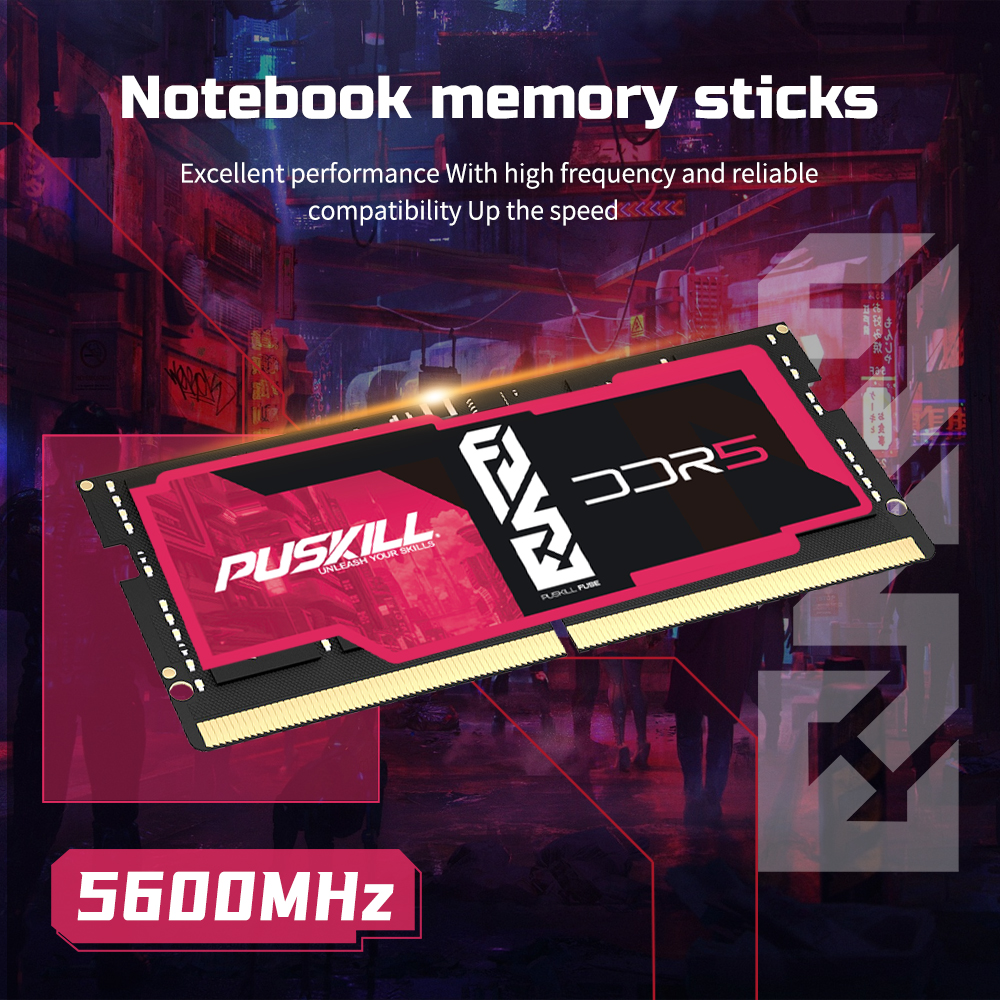
Upgrade Your System Memory to Eliminate Bottlenecks
Relying on loose, high-latency memory sticks leaves valuable processor performance trapped inside your gaming rig. You cannot enjoy fluid, stutter-free gameplay if your CPU constantly waits for slow memory registers. Upgrading your system to leverage low latency DDR5 RAM transforms your daily computing experience completely. This strategic hardware upgrade eliminates micro-stutters, stabilizes frame rates, and unlocks the full potential of your graphics card.
Stop letting slow memory timings ruin your competitive gaming matches and cause frustrating frame drops this season. Invest in high-performance, low-latency DDR5 kits that maximize your system’s real-time responsiveness. Your processor will execute commands faster, and your games will run smoother than ever before. Modernize your memory configuration today to take absolute control over your PC’s gaming speed!

Add comment