
Imagine working diligently on an urgent business report for a major corporate client. Suddenly, your laptop screen freezes completely without any warning.
You stare helplessly at a spinning loading wheel for several agonizing minutes. This frustrating system slowdown happens because your computer runs out of temporary workspace.
Fortunately, you do not need to buy an expensive new computer today. Instead, a simple laptop ram upgrade can instantly restore your machine’s peak operational performance.
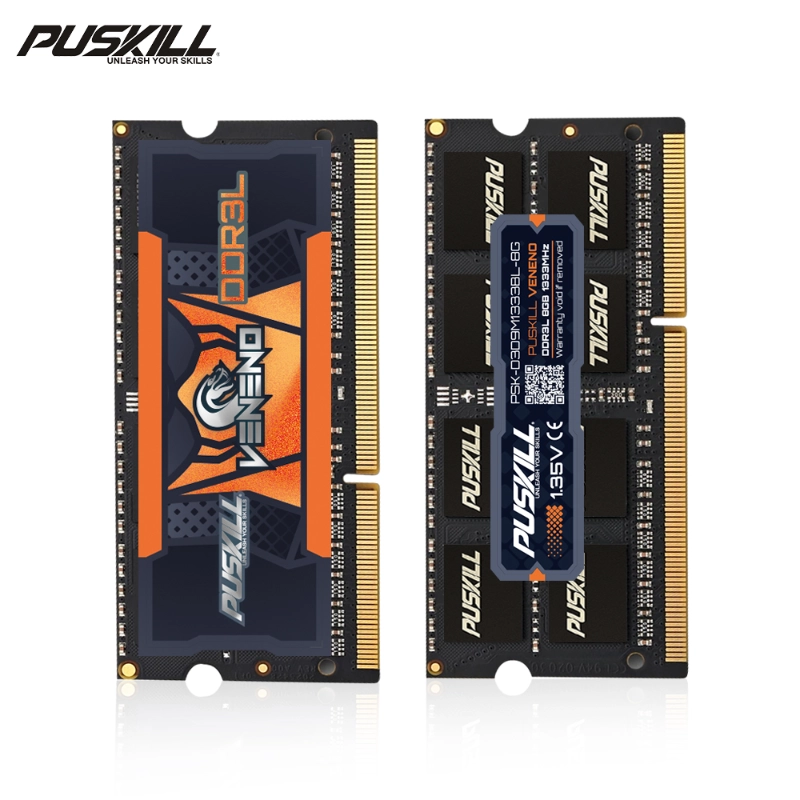
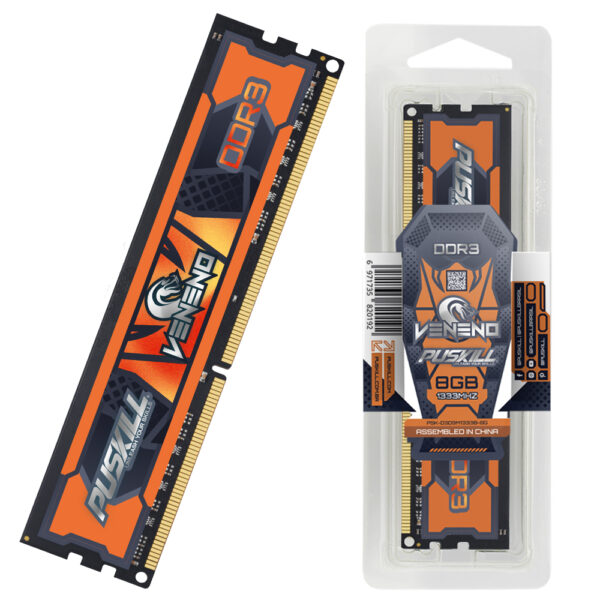
Specifically, installing premium ddr3 laptop memory provides a highly cost-effective system speed boost. This technical guide explains how fresh memory modules increase laptop multitasking stability effortlessly.
The Core Engineering Behind Laptop RAM Capacity
To understand system optimization, we must first look at how computers handle active background data. Let us examine the internal physics of temporary digital storage pools.
Dynamic Random Access Memory Architecture Basics
Your laptop processor requires instant access to temporary files to run applications smoothly. System RAM acts as a high-speed digital desktop for your central processing unit.
When you open an app, the computer loads data into these electronic chips. Therefore, larger memory capacities allow your processor to find critical files much faster.
Why Low RAM Capacity Forces Slow Hard Drive Caching
If your memory fills up completely, the operating system initiates a process called paging. Consequently, the computer forces your hard drive to act as temporary memory storage.
Because hard drives operate much slower than RAM, your system performance drops significantly. Upgrading your memory chips eliminates this bottleneck, keeping your data on high-speed pathways.
Learn how to diagnose these hardware bottlenecks by reading our Guide to Laptop Hardware Diagnostics.
Maximizing Multitasking Performance and Daily Workflow Speed
Modern digital business environments require workers to manage multiple complex software programs simultaneously. Let us explore how upgraded memory chips accelerate your daily workplace production.
Eradicating Annoying Application Loading Delays
An underpowered laptop hesitates when you switch between heavy database programs and email clients. This annoying delay occurs because the system constantly swaps data out of memory.
A fresh module expands your active digital workspace area substantially. Thus, your applications remain open and responsive in the background, ready for instant access.
Keeping Multiple Browser Tabs Open Safely
Modern web browsers consume massive amounts of temporary system memory resources during daily use. Each open tab creates an independent, data-heavy background computing process.
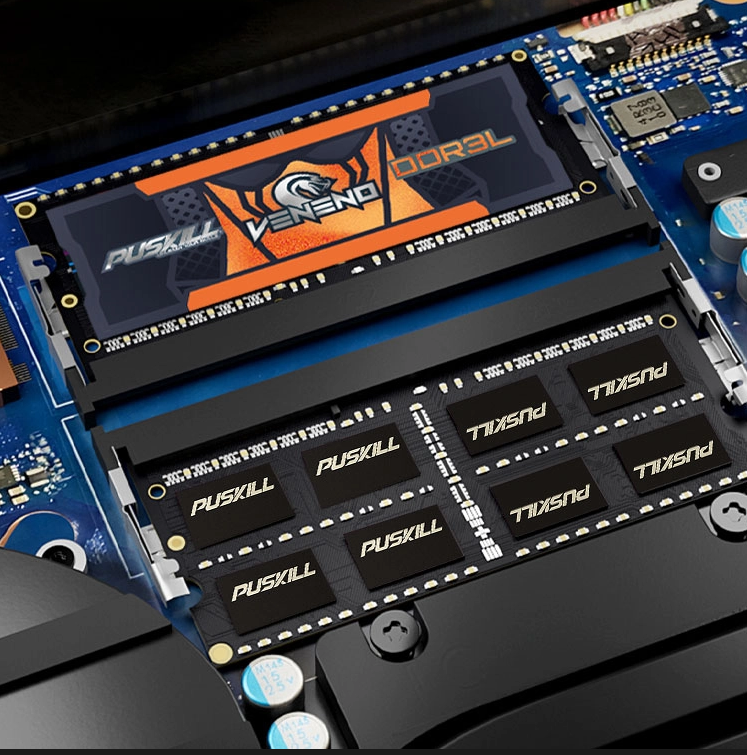
Upgrading to premium ddr3 sodimm memory speed specifications prevents browser tab crashing. As a result, you can research projects across dozens of websites without experiencing slowdowns.
Comparing Hardware Configurations: Low RAM vs. Upgraded DDR3
Selecting the wrong hardware component can ruin your corporate IT repair budgets completely. The component comparison table below details the performance differences across key system metrics.
| System Performance Attribute | Factory Standard 4GB RAM Setup | Upgraded 16GB DDR3 Laptop Memory |
| Simultaneous App Capacity | Low (3 to 4 basic apps maximum) | High (10+ heavy enterprise applications) |
| Virtual Memory Paging Risk | High (Causes constant hard drive wear) | Minimal (Data stays inside high-speed chips) |
| Web Browser Stability | Poor (Tabs refresh or crash frequently) | Outstanding (Maintains 30+ open tabs smoothly) |
| System Heat Generation | High (Hard drive works continuously) | Low (Efficient memory draws minimal current) |
| Data Processing Throughput | Slow (Bottlenecks your fast CPU) | Maximum (Matches processor bus speeds perfectly) |
Improving System Stability and Preventing App Crashes
Frequent software crashes destroy your daily business output and corrupt critical corporate data files. Let us analyze how adequate memory allocations protect your operating system stability.
Eliminating Blue Screen Memory Allocation Errors
Operating systems crash when multiple programs attempt to utilize the same memory address simultaneously. These critical conflicts trigger sudden blue-screen system shutdowns, erasing unsaved work instantly.
Expanded memory fields provide distinct, spacious storage corridors for every active application thread. Therefore, your operating system handles complex computing tasks without triggering fatal allocation errors.
Stabilizing Enterprise Operating Systems Under Heavy Load
Enterprise background software tools run continuous security scans and push automated cloud data backups daily. These necessary background processes demand constant, unyielding access to system memory pools.
Upgrading your hardware ensures your laptop handles these security scans without lagging. Discover more about setting up these hardware balances with our Enterprise Operating System Optimization Blueprint.
Sourcing Premium Memory Modules: A Buyer’s Checklist
IT procurement managers must evaluate several technical variables before purchasing bulk replacement parts. Avoid buying unverified generic memory modules simply to save a few upfront dollars.
-
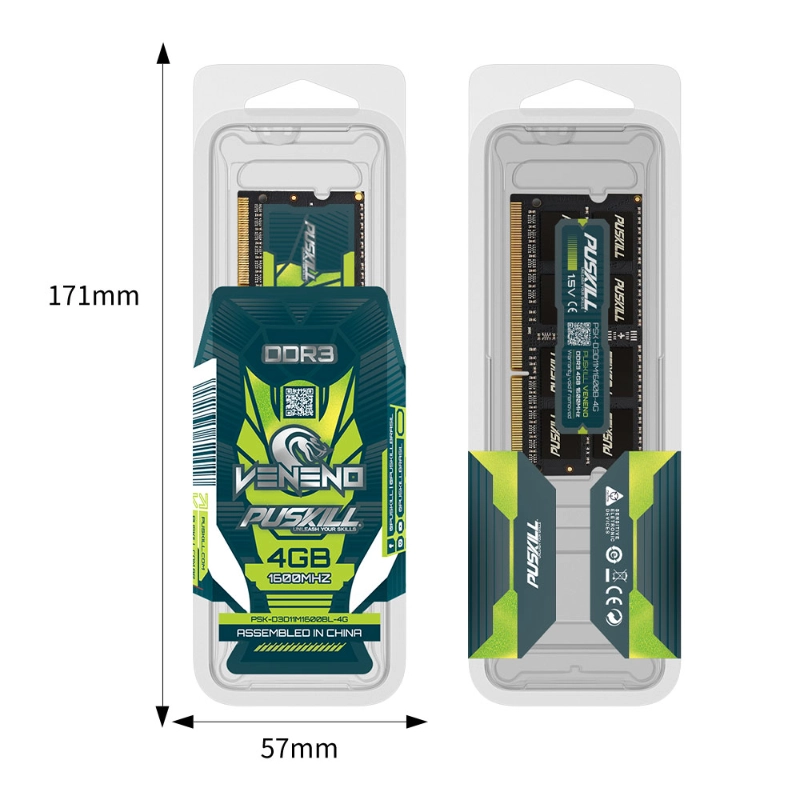
- Verify the Voltage Specifications: Choose 1.35V DDR3L modules for lower power consumption and heat.
- Check the Module Pin Count: Ensure you select 2048-bit SO-DIMM designs built for laptops.
- Match the Rated Megahertz Speed: Align module speeds with your motherboard’s internal bus restrictions.
- Demand Gold-Plated Connector Contacts: Prioritize premium brands to prevent data corruption from corrosion.
The Financial ROI of Revitalizing Legacy Hardware Fleet Assets
Some corporate financial officers hesitate when reviewing bulk component upgrade invoice sheets. However, high-quality memory chips pay for themselves rapidly through dramatic IT cost reductions.
Slashing Your Corporate IT Replacement Budgets
Replacing hundreds of older enterprise laptops requires an enormous corporate capital investment. Furthermore, discarding functional computers creates massive amounts of toxic global electronic waste.
Choosing to upgrade older laptop memory extends equipment lifespans by up to three extra years. Consequently, your business saves thousands of dollars while hitting internal environmental sustainability goals.
Boosting Daily Workplace Employee Productivity Metrics
Waiting for slow computers costs modern companies thousands of wasted payroll hours every year. Employees lose focus when forced to watch loading bars spin throughout the day.
Installing fast memory modules eliminates these unnecessary micro-delays from the daily workflow. This speed boost keeps your staff focused and productive, maximizing your corporate operational profits.
Selecting Your Global Hardware Sourcing Partner
Sourcing reliable computer components requires finding a supplier with deep electrical engineering expertise. Avoid middleman brokers who do not offer genuine factory warranties or batch testing records.
Instead, look for manufacturing partners who provide full compatibility guarantees for enterprise laptop models. Your supplier should also offer anti-static packaging protection to prevent chip damage during transit. This complete support framework ensures your computer repair lines remain active, predictable, and highly profitable.
Conclusion
Achieving peak office productivity requires maintaining fast, reliable, and highly stable computer hardware assets. Your expensive business software only performs as well as the temporary memory workspace beneath it.
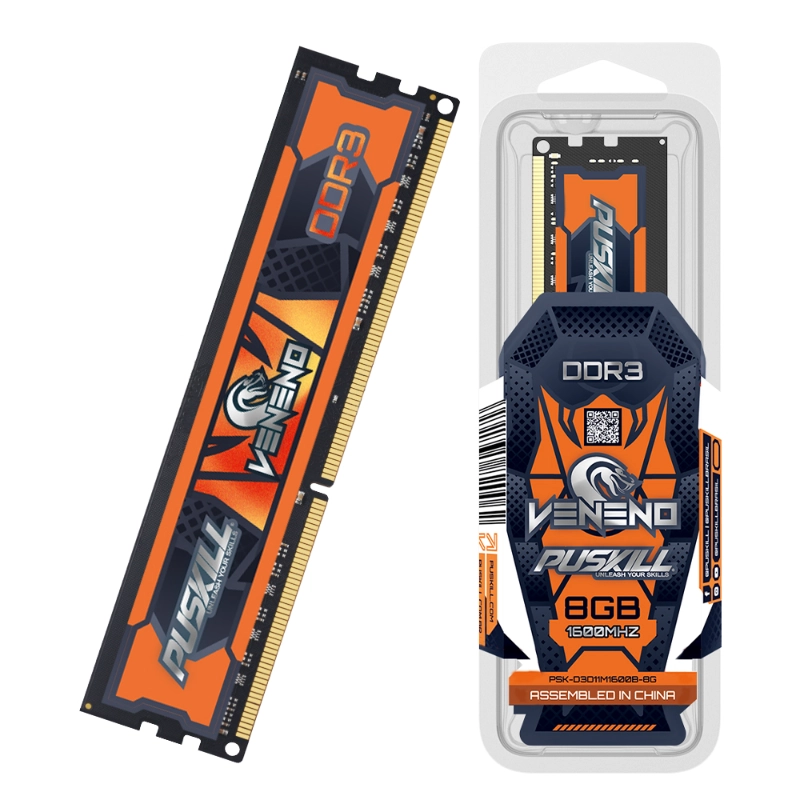
Ultimately, investing in premium ddr3 laptop memory safeguards your daily business operations from unexpected disruption. It delivers the multitasking speed, system stability, and cost savings that modern corporate environments demand.
Do you need technical assistance matching specific memory timings to your existing enterprise laptop fleet? Contact our application engineering support team today for a complimentary hardware configuration consultation.




Add comment