
Equipping tight computer chassis with a premium sata m.2 ssd completely resolves persistent overheating issues in small spaces. This strategic hardware choice guarantees reliable system speeds while dropping baseline component operating temperatures significantly.
Traditional mechanical drives or blazing-hot NVMe modules frequently cause severe system throttling inside ultra-compact computing shells. Conversely, modern energy-efficient flash drives maintain highly stable data transfer channels without requiring active cooling fans.
Furthermore, this slim hardware profile allows industrial system integrators to minimize total equipment enclosure dimensions easily. Ultimately, this dependable memory foundation cuts field maintenance costs and extends small business equipment deployment lifespans. Now, let us analyze the thermal design bottlenecks that make high-power storage drives highly problematic for mini systems.
The Thermal Bottleneck: Why High-Power Storage Ruins Compact Embedded PCs
Every field hardware engineer understands the deep frustration of sudden remote terminal crashes during peak operational hours. This costly computing failure usually happens because builders pack high-wattage storage parts into sealed plastic device cases.
How Intense NVMe Heat Generation Accelerates Processor Thermal Throttling Loops
High-speed NVMe drives generate extreme heat bursts when handling continuous data write operations inside narrow enclosures. Because tiny mini PC cases lack sweeping airflow paths, this ambient heat cooks surrounding CPU chips quickly.
To save itself from frying, the central processor slows its clock speed down to an absolute crawl. This sudden drop in performance ruins the smooth user experience of your public digital signage interactive boards.
Why Bulky 2.5-Inch Hard Drives Block Vital Internal Venting Pathways
Old-fashioned mechanical notebook drives require thick SATA power cables and metal mounting brackets inside a case. This physical clutter completely blocks the small intake vents designed to cool hot interior graphics chipsets.
Consequently, your system fans spin at maximum speeds constantly, creating loud, annoying whines in quiet office spaces. Therefore, utilizing a streamlined compact form factor storage strip remains vital to clear out these internal blockages.
Technical Core: Inside the Physics of Space-Saving Solid-State Flash
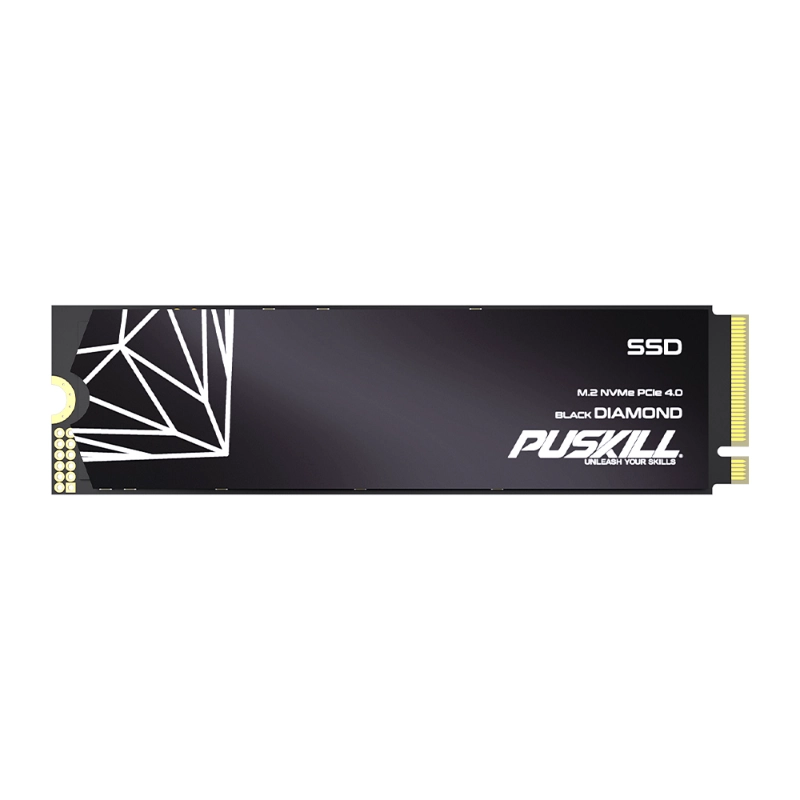
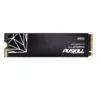
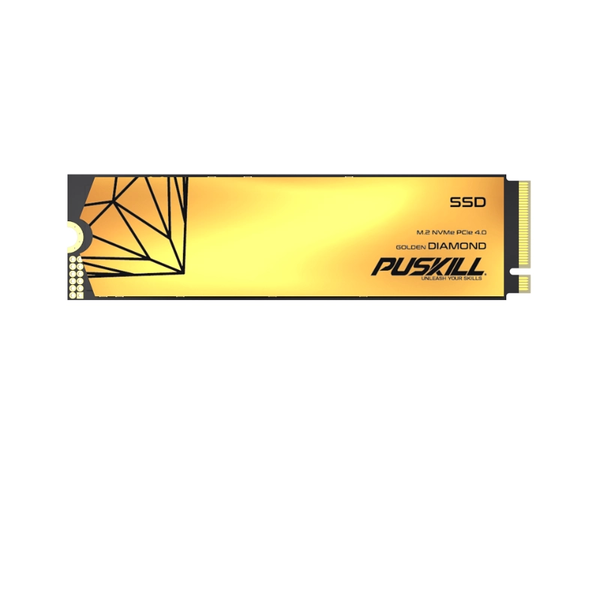
To satisfy tough space constraints, hardware designers completely eliminated heavy metal drive casings from modern storage layouts. Modern M.2 form factor boards attach memory chips directly onto ultra-thin, gum-stick-sized printed circuit card sheets.
Harnessing Slim M.2 Form Factors for Ultra-Thin Device Enclosure Integration
Elite mini computers utilize the standard 2280 board size format to save massive amounts of internal motherboard space. These tiny memory strips slide flat into specialized low-profile slots, locking down with one single small screw.
As a result, your system chassis height drops by several inches, enabling clean behind-the-monitor VESA mount setups. Your office desks look completely empty and professional, giving workers clean, organized workspaces to boost daily output.
The Clear Operational Value of Low-Wattage SATA Flash Controller Chipsets
While NVMe drives consume up to nine watts during heavy load events, SATA flash controllers require very little energy:
-
- Minimal Power Draw: Consumes under three watts of electricity to run at full data writing speeds.
- Passive Cooling Designs: Operates flawlessly without requiring thick, expensive copper heatsinks or thermal tape pads.
- Lower Battery Strain: Extends the working battery life of mobile field testing terminals significantly.
- Cooler Internal Buses: Reduces long-term heat stress on nearby capacitors to extend motherboard lifespans.
Performance Matrix: 2.5-Inch Mechanical HDD vs. SATA M.2 SSD
| Computing Metric | 2.5-Inch Mechanical SATA HDD | High-Efficiency SATA M.2 SSD |
| Physical Component Weight | Very heavy (Contains heavy iron platters) | Feather-Light (Weighs under ten grams total) |
| Active Power Consumption | High draw (Requires electric spindle motors) | Minimal (Uses smart solid-state logic chips) |
| Vibration Physical Resistance | Extremely poor (Fragile read heads skip) | Perfect Stability (Features zero moving parts) |
| Maximum Sequential Reads | Slow data speeds (Rarely exceeds 140MB/s) | High Velocity (Saturates the line at 560MB/s) |
| Space Required in Case | Massive (Requires thick internal drive bays) | Microscopic (Sits flat against motherboards) |
Strategic Hardware Benefits: Slicing Server Power Bills and Boosting Field Reliability
Deploying an energy-efficient mini PC drive across your corporate branch office network creates immediate financial rewards. This storage upgrade converts clunky, power-hungry desktop setups into highly modern, eco-friendly digital workplace terminals.
Slashing Enterprise Office Power Delivery Costs by Over Forty Percent
Running hundreds of old mechanical desktops all day drives up corporate electric bills and air conditioning demands. Because solid-state flash modules run cool, they lower the total heat output of your regional office floors.
Your building climate systems do not have to fight computer exhaust heat continuously during hot summer months. This passive energy saving drops your monthly corporate facility utility expenses, boosting your net operational margins.
Shielding Remote Industrial Automation Hubs from Heavy Kinetic Vibration Failure
Factory floor environments subject embedded monitoring computers to intense physical shakes from heavy stamping machines. Mechanical hard drives fail instantly in these zones because vibration forces the writing needles to scratch delicate platters.
An integrated non-mechanical drive survives these violent drops and continuous factory rumbles without losing a single byte. This tough industrial durability eliminates emergency field technician dispatches, keeping your production lines moving smoothly.
Integration Protocol: Setting Up Your Mini PC for Long-Term Data Stability
Achieving flawless operating system deployment requires configuring your internal bios settings according to proper solid-state storage principles. Ensure your IT build staff runs through these critical system adjustment steps during every new workstation rollout.
-
- Enable AHCI Storage Modes: Toggle this setting inside the BIOS menu to unlock full interface speeds.
- Verify TRIM Command Status: Confirm the operating system cleans deleted data blocks automatically to maintain speed.
- Optimize Partition Alignment Blocks: Ensure the system installer uses modern four-kilobyte alignment sectors.
- Set Conservative Sleep Timers: Allow the flash drive controller to enter low-power sleep states during breaks.
Following this simple software setup guide prevents early memory cell wear, ensuring your system boot times stay fast. It builds an ideal computing base that allows your remote network terminals to run without unexpected software hitches.
FAQ:
Can I install a SATA M.2 SSD into an M.2 slot that is labeled for NVMe storage?
Many modern mini PC motherboards use hybrid storage slots that accept both SATA and NVMe protocols automatically. However, some cheap budget boards limit their internal slot wiring channels strictly to high-speed PCIe NVMe lines. You must verify your device manual specifications carefully to ensure the board logic supports SATA signal lines.
What is the maximum storage capacity available for the compact SATA M.2 form factor?
Industrial memory manufacturers build high-density SATA models that hold up to two terabytes of files on one chip. This large volume provides more than enough space to store complex operating systems and massive local databases safely. Your business can run heavy media apps without needing to attach clumsy external desktop hard drives.
How does the lifespan of a SATA flash drive compare to an NVMe drive over time?
Because SATA controllers run at lower operating temperatures, their internal memory cells face significantly less thermal breakdown stress. This cool performance allows a low power internal solid state drive to maintain excellent cell health over years of service. They frequently outlast hot NVMe drives when deployed inside tight, unvented kiosk cabinets.
Does a SATA M.2 drive require regular software defragmentation to stay fast?
You must never run old mechanical defragmentation utilities on any modern solid-state flash memory component. Defragging tools perform unnecessary write operations that burn through the limited lifespan of your flash storage cells. Instead, let the operating system run its built-in TRIM optimization tools to maintain clean data tracks safely.
Modernize Your Embedded Networks with Cool Storage Tech
Relying on hot, power-hungry storage modules leaves your small form factor computers vulnerable to constant thermal crashes. You cannot expect to run a stable remote terminal network if your hardware constantly chokes on its own heat. Upgrading your device specifications to leverage a premium sata m.2 ssd architecture redefines your system reliability completely. It pairs slim board layout physics with low-wattage controller chips to protect your processors from performance drops.
Stop letting loud cooling fans and frozen kiosk screens disrupt your corporate IT deployment milestones this quarter. Invest in field-proven, cool-running solid state components that stabilize your remote system speeds and protect your hardware budgets. Your system administrators will love the driver stability, and your finance team will love the reduced energy bills. Modernize your compact computing fleet today to secure total operational dominance over your business network footprint.

Add comment