
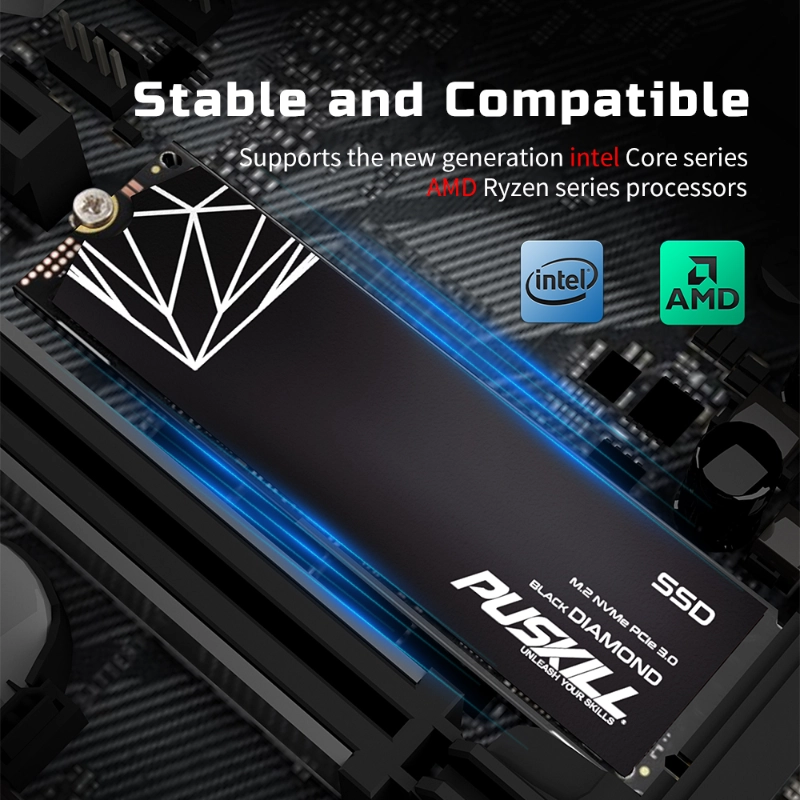
Storage technology defines the speed of modern computing. Old mechanical hard drives are now obsolete. Most professionals now choose between two main SSD types. These are NVMe and SATA Solid State Drives. A high performance NVMe SSD offers incredible data speeds. However, SATA SSDs remain a reliable and affordable choice.
Understanding these differences is vital for your next upgrade. This guide explores technical specs and real-world performance. We will help you choose the right storage solution.
The Evolution of Solid State Drive Technology
Flash storage changed the hardware industry forever. It removed the moving parts of traditional disks. This shift improved durability and reduced power consumption.
What Is a SATA SSD?
SATA stands for Serial Advanced Technology Attachment. This interface originally served older mechanical hard drives. Manufacturers adapted it for early SSD models. It uses a 2.5-inch form factor or M.2 slots. While reliable, it faces physical speed limits today.
What Is a High Performance NVMe SSD?
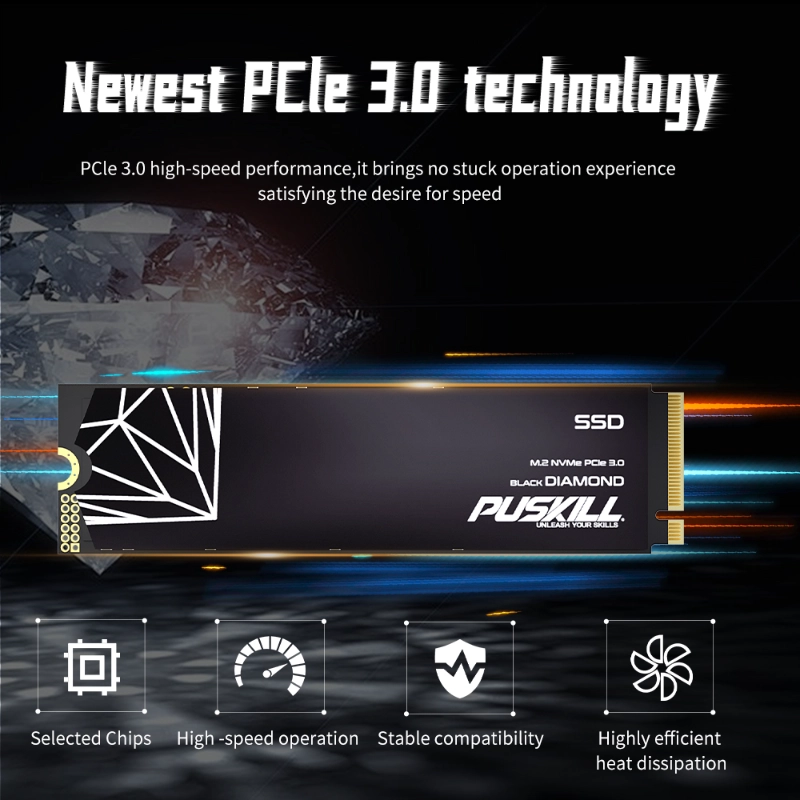
NVMe stands for Non-Volatile Memory Express. This protocol works directly with the PCIe bus. It bypasses the slow legacy paths used by SATA. Consequently, a high performance NVMe SSD delivers massive bandwidth. It handles complex tasks with ease and efficiency.
Technical Breakdown: Speed and Bandwidth
The primary difference lies in the communication protocol. Imagine a highway versus a small country road.
-
- SATA Limits: The SATA III interface caps at 600 MB/s. Most SATA SSDs reach about 550 MB/s.
- NVMe Potential: PCIe 4.0 NVMe drives exceed 7,000 MB/s. Newer PCIe 5.0 models are even faster.
- IOPS Performance: NVMe handles thousands more input/output operations per second.
Standard SATA drives use the AHCI protocol. This protocol was built for slow spinning disks. In contrast, NVMe was designed specifically for flash memory. It allows for much deeper command queues.
Interface and Form Factor Comparison
Physical compatibility is the first hurdle for any upgrade. You must check your motherboard slots carefully.
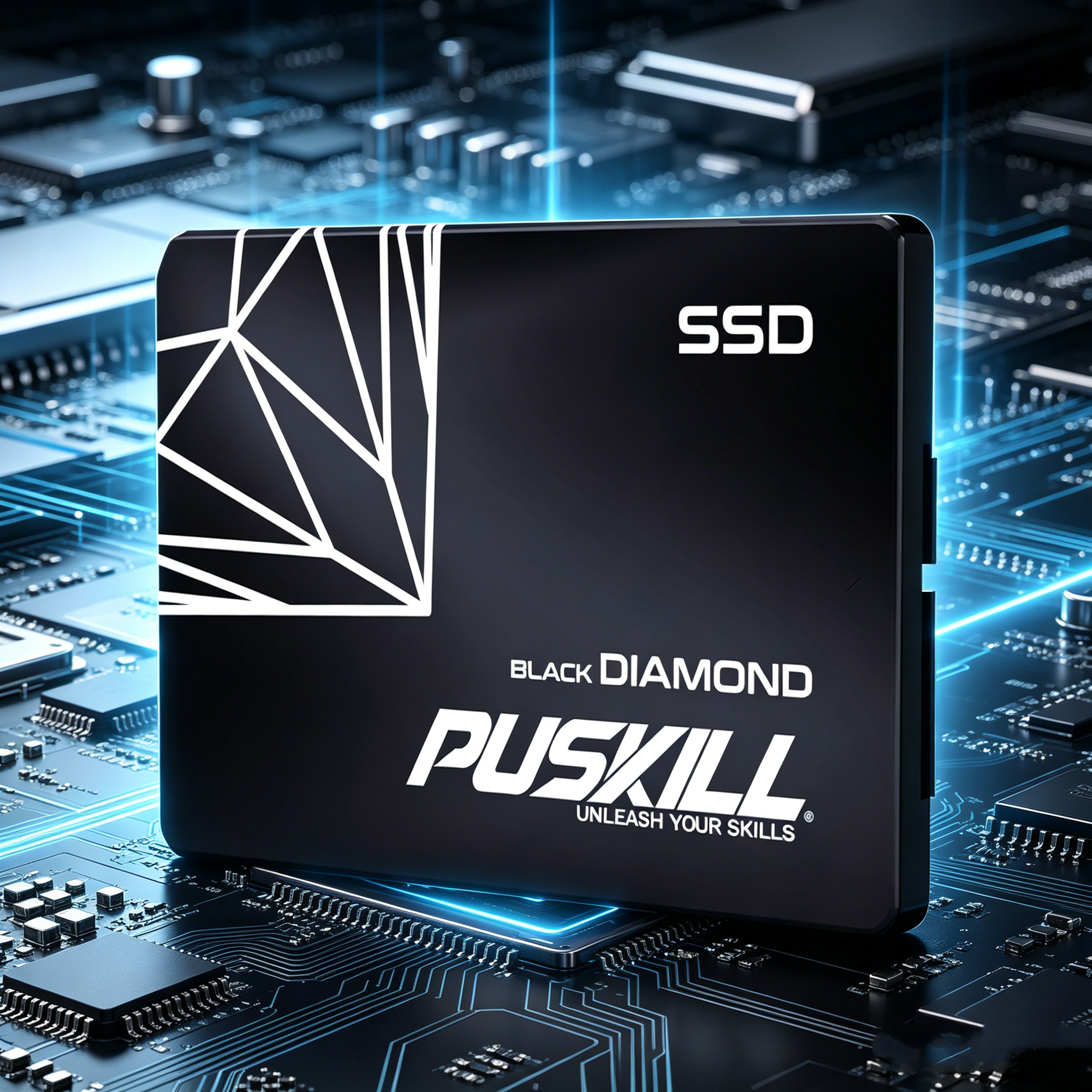
The 2.5-inch SATA Standard
Most SATA drives look like small laptop disks. They connect via a data cable and power cable. This makes them compatible with older desktop PCs.
The M.2 Form Factor
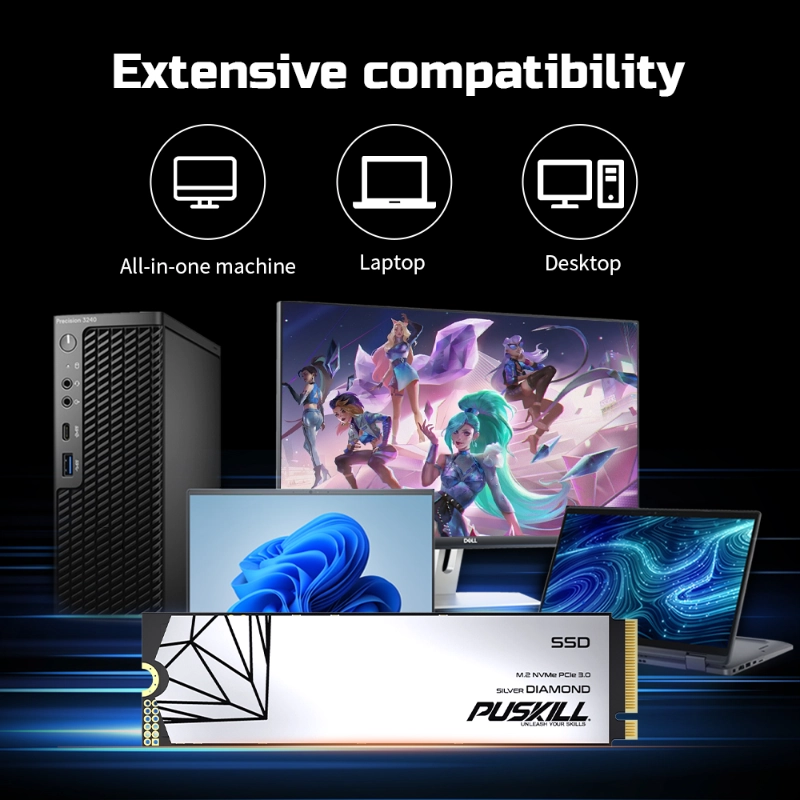
Most NVMe drives use the slim M.2 shape. These look like small sticks of gum. They plug directly into the motherboard. This saves space and eliminates messy cables. Browse our compatible M.2 NVMe accessories to ensure a perfect fit.
Real-World Applications and Performance
Technical specs are great on paper. However, how do they affect your daily work?
Gaming and Creative Work
Gamers see faster loading times with NVMe. Video editors benefit during large file transfers. A high performance NVMe SSD renders 4K video much faster. It prevents the system from stuttering during heavy loads.
Daily Office Tasks
For web browsing or word processing, SATA is sufficient. You might not notice a massive difference here. However, system boot times are slightly faster with NVMe.
Industrial and Server Use
Datacenters rely on the low latency of NVMe. It handles thousands of simultaneous user requests. SATA drives often struggle under such heavy industrial pressure.
| Feature | SATA SSD | High Performance NVMe SSD |
| Max Read Speed | ~560 MB/s | Up to 7,500+ MB/s |
| Interface | SATA III | PCIe (3.0, 4.0, 5.0) |
| Latency | High (Relative) | Ultra-Low |
| Price | Budget-Friendly | Premium |
The Cost Factor: Value vs. Performance
Price remains a major consideration for many buyers. SATA drives offer the best “price per gigabyte.”
-
- Budget Builds: Choose SATA for secondary bulk storage. It is perfect for storing photos or movies.
- Performance Builds: Use a high performance NVMe SSD for your OS. This ensures the best overall system snappiness.
- Future Proofing: NVMe prices are dropping rapidly every year. The price gap is smaller than ever before.
Investing in NVMe is now a smart long-term move. Most new laptops only support the M.2 NVMe format. SATA is slowly becoming a legacy technology.
Thermal Management for High-Speed Drives
Speed generates heat in electronic components. NVMe drives can get quite hot during use.
The Role of Heatsinks
Many high-end NVMe drives include pre-installed heatsinks. These metal covers dissipate heat effectively. This prevents “thermal throttling” during long data transfers. Throttling slows down your drive to protect the hardware.
Airflow and Case Design
Ensure your PC case has good airflow. Place your NVMe drive away from the GPU. Proper cooling extends the lifespan of your flash memory.
Final Verdict: Which Should You Buy?
Your choice depends on your specific hardware goals. Both technologies have a place in modern systems.
If you have an old PC, SATA is great. It provides a massive boost over hard drives. It is easy to install and very affordable.
However, modern users should choose NVMe. A high performance NVMe SSD unlocks your CPU’s potential. It is essential for gaming, editing, and professional tasks. The speed difference is too large to ignore.
In summary, prioritize NVMe for your primary drive. Use SATA for massive, low-cost secondary storage. This combination offers the best balance of speed and value.
Secure Your Digital Future
The debate between NVMe and SATA is ending. NVMe is clearly the superior technical standard. It offers the bandwidth required for modern software.
Upgrade your system today to experience true speed. Do not let slow storage bottleneck your powerful processor. Choose a high performance NVMe SSD for the best experience.
Your computer will feel like a brand-new machine. Everything from boot-up to shut-down will happen instantly. Embrace the future of storage technology now. Efficient data management starts with the right hardware choices. Stay ahead of the curve with high-speed flash storage.

Add comment