
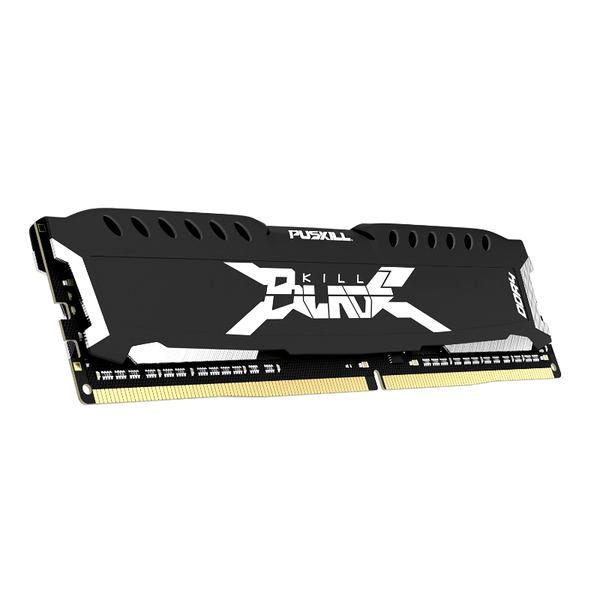
Upgrading your desktop system with 16 GB RAM DDR4 will drastically improve gaming performance across modern AAA titles. Modern game engines require high-speed DDR4 memory to process textures and world data seamlessly. Furthermore, our lead-free compliance (RoHS certified) manufacturing ensures top-tier quality and signal integrity for every single module
Consequently, upgrading your system guarantees higher frame rates and removes frustrating stuttering issues entirely. Explore our full Product Category to find the perfect speed match for your build.
When Low Capacity Holds You Back
Severe In-Game Stuttering and Frame Drops
First, running demanding games on 8GB capacity causes sudden, drastic frame drops during intense action scenes. Consequently, your operating system swaps data to disk storage when memory capacity runs out entirely. Therefore, upgrading to a high-capacity system stops stutters and delivers silky-smooth frame rendering instantly.
High Latency During Background Multitasking
Next, players often keep Discord, Spotify, or web browsers active while playing modern multiplayer games. However, limited capacity forces your PC to throttle background applications and game execution simultaneously. Thus, high-capacity modules ensure rapid response and seamless multitasking without dropping any frame rate.
Extremely Slow Level Loading Times
Additionally, massive open-world titles demand continuous streaming of high-resolution textures into system memory. Otherwise, limited system capacity forces your CPU to wait endlessly for asset loading sequences. Fortunately, high-bandwidth desktop memory modules accelerate loading speeds to keep you immersed continuously.
The Power Behind High-Speed DDR4 Memory
Rapid Data Throughput and Low Latency
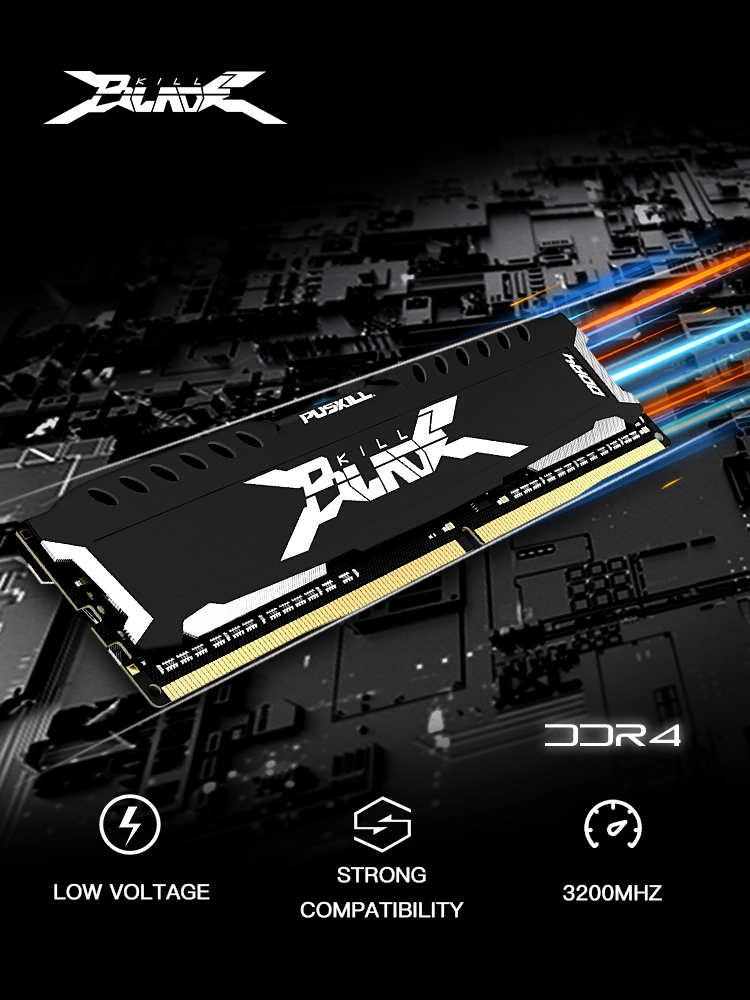
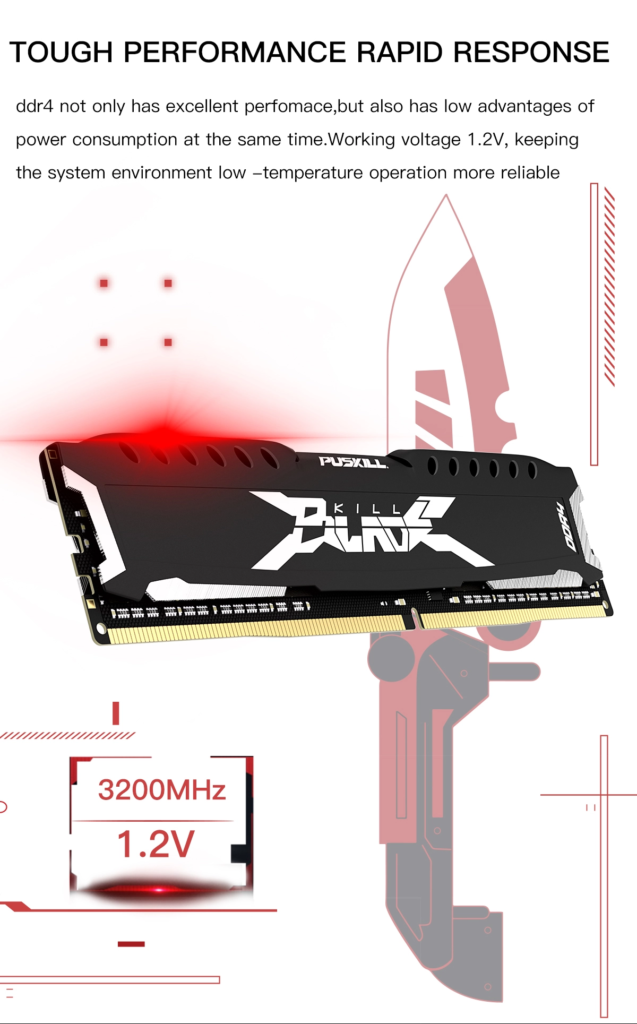
Our modules deliver exceptional memory speed across 2666MHz, 3200MHz, and 3600MHz frequency options. Moreover, high-frequency bandwidth dramatically increases total data throughput between CPU and system memory. As a result, your system eliminates input delay and boosts maximum frame output in competitive matches. Check out our detailed Desktop Memory Setup Guide to optimize your BIOS speed profile properly.
Advanced Thermal Management for Peak Stability
Equipped with an integrated aluminum alloy black heat spreader, this design increases cooling surface area significantly. Furthermore, efficient heat dissipation protects sensitive memory IC chips during heavy gaming sessions. Therefore, even during long summer gaming sessions, your desktop maintains unwavering system stability continuously.
Intel XMP 2.0 and AMD Overclocking Potential
Featuring carefully selected high-quality memory chips, our modules support easy automated profile configuration. Consequently, users can enable preset Intel XMP 2.0 overclocking profiles inside motherboard BIOS settings easily. Thus, you can unleash hidden hardware potential instantly to boost frame rates with one simple click.
Technical Specifications and Certification Comparison
| Feature Parameter | Standard Office RAM | Our High-Performance DDR4 |
|---|---|---|
| Available Capacities | 4GB / 8GB Single | 8GB / 16GB Single Module |
| Speed Frequencies | 2133MHz – 2400MHz | 2666MHz / 3200MHz / 3600MHz |
| Thermal Protection | None (Bare PCB) | Aluminum Alloy Black Heat Spreader |
| Overclocking Support | Standard JEDEC Only | Intel XMP 2.0 & AMD Profiles |
| Environmental Standard | Basic Compliance | RoHS Lead-Free Certified |
| Build Quality Test | Random Batch Test | Automated High/Low Temp Tested |
Reliable Quality Through Rigorous Craftsmanship
Utilizing high-specification PCB boards, our fully automated assembly guarantees peak electrical performance and signal integrity. Additionally, each module undergoes multiple rigorous high-temperature, low-temperature, and environmental pressure tests before shipping. Furthermore, our DDR4 Memory Buying Guide helps you choose the best configuration effortlessly. Hence, you get ultimate hardware reliability backed by industry-standard quality compliance certifications.
Q&A
Is 16 GB RAM DDR4 still enough for gaming?
Yes, modern games run optimally on 16GB of high-speed memory. It provides plenty of capacity for gaming while streaming music or running voice chat apps.
Should I choose 3200MHz or 3600MHz speed?
While 3200MHz offers great value, 3600MHz delivers lower latency for high-end processors. Both options significantly improve desktop gaming performance.
How do I enable Intel XMP 2.0 on my motherboard?
Enter your motherboard BIOS setup during boot up. Select the XMP profile setting, save changes, and reboot to unlock maximum speed.

Add comment