
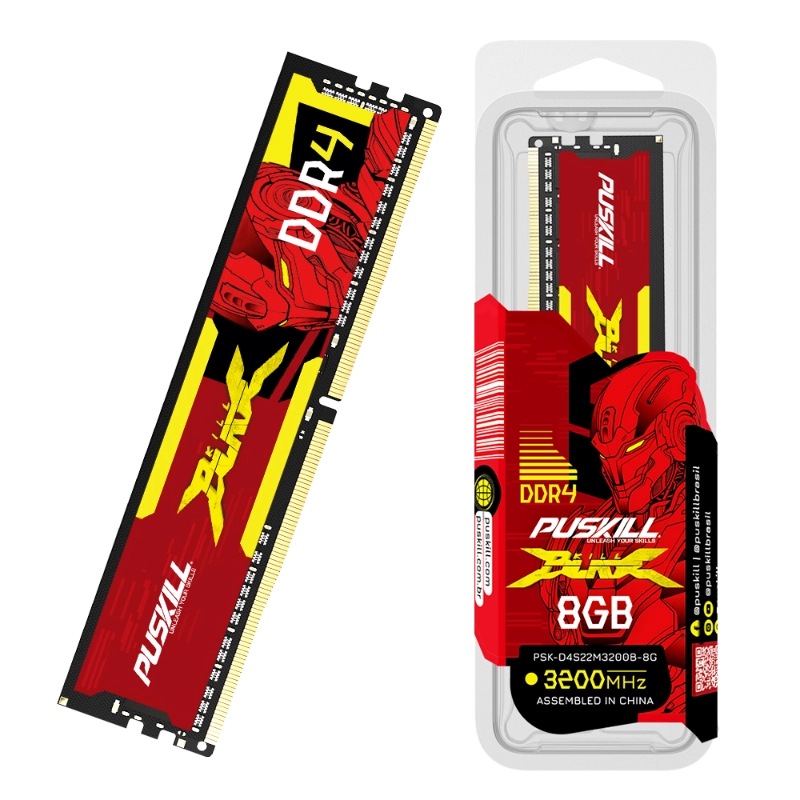
Modern computing demands more from our hardware every day. We open dozens of browser tabs simultaneously. We stream high-definition videos while working on complex spreadsheets. Without enough “breathing room,” your computer will eventually stutter.
A high-quality DDR4 desktop memory module is the unsung hero. It serves as the primary workspace for your processor. This technology ensures data moves quickly and reliably. Consequently, your system remains stable under heavy workloads. This guide explains why DDR4 is vital for multitasking. We will explore how it prevents frustrating system crashes.
The Evolution of DDR4 Technology
DDR4 represents a massive leap over older memory standards. It introduced higher speeds and much lower power consumption.
Standard DDR3 memory operated at higher voltages. This created more heat within your computer case. DDR4 reduced this voltage to just 1.2V. This change improves energy efficiency significantly. Furthermore, it allows for much higher data density. You can now fit more memory in fewer slots.
Why Voltage Matters for Stability
Lower voltage means less thermal stress on components. Heat is the primary enemy of long-term stability. A DDR4 desktop memory module stays cooler during intense tasks. This reliability is crucial for professional workstations. It helps maintain peak performance for hours.
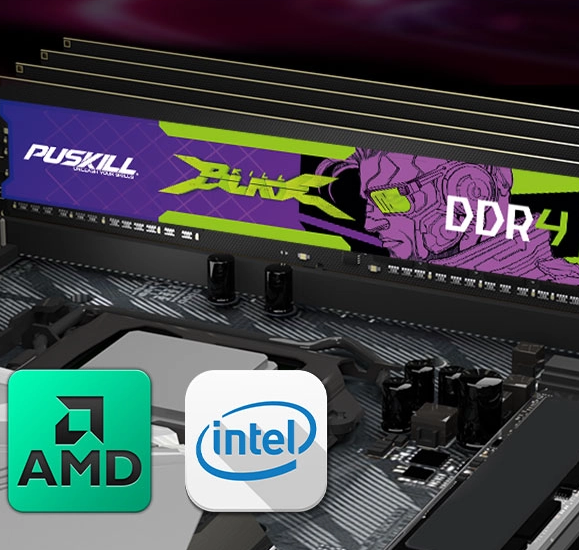
Boosting Multitasking with Increased Bandwidth
Multitasking is all about managing multiple data streams. Your RAM acts as a temporary holding area.
If your RAM is slow, your CPU waits. This creates a noticeable lag when switching apps. DDR4 provides much wider data lanes than previous generations. It allows the CPU to access information almost instantly. Therefore, you can jump between tasks without delay. This efficiency defines the modern computing experience.
-
- Faster App Switching: Move between tools without “not responding” errors.
- Smooth Video Editing: Handle large 4K files with less scrubbing lag.
- Better Web Browsing: Keep 50+ tabs open without slowing down.
- Enhanced Background Tasks: Run antivirus scans while you work.
The Power of Higher Frequencies
DDR4 modules start at 2133MHz and go much higher. High-frequency RAM speeds up the entire system. It helps the processor finish tasks more quickly.
Enhancing System Stability and Error Prevention
A stable computer is a productive computer. Random reboots can ruin a full day of work.
A DDR4 desktop memory module includes improved cyclic redundancy checks. This technology detects data errors before they cause crashes. It ensures the integrity of the information being processed. Many professional-grade modules also feature better heat spreaders. These metal shells pull heat away from the chips. This prevents the “Blue Screen of Death” during summer heat.
Why Dual-Channel Configurations Are Vital
Always install your memory in matching pairs. This activates “Dual-Channel” mode on your motherboard. It effectively doubles the communication speed to the CPU. A single stick often creates a performance bottleneck. Using two sticks ensures the most stable data flow.
Managing Memory-Intensive Professional Software
Creative professionals rely heavily on high-speed memory modules. Software like Adobe Premiere Pro eats through RAM quickly.
Without a solid DDR4 desktop memory module, these apps crash. Large datasets in Excel also require massive memory resources. DDR4 allows for 16GB or 32GB sticks easily. This high capacity keeps your professional projects moving. It prevents the system from using the slower hard drive.
Virtual Machines and Coding
Software developers often run virtual machines for testing. Each “guest” OS requires its own dedicated RAM. High-capacity DDR4 makes this process smooth and safe. It isolates tasks so one crash won’t stop everything. This is a game-changer for modern coding workflows.
The Impact of RAM on Integrated Graphics
Not every PC uses a dedicated graphics card. Many office PCs use the CPU for visuals.
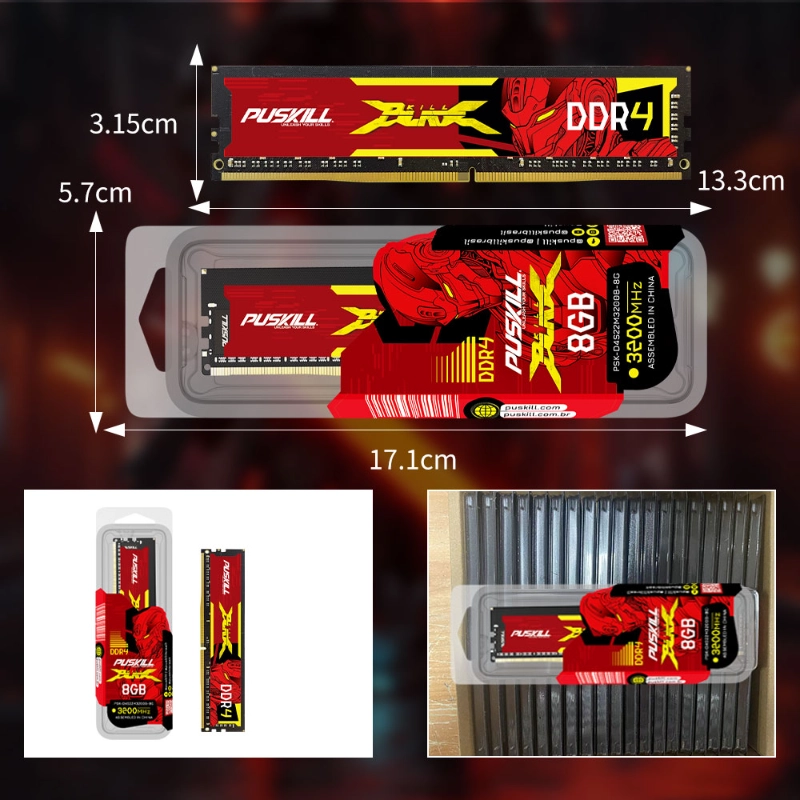
In these cases, the RAM is even more important. The system shares the DDR4 desktop memory module with the GPU. Faster RAM directly improves your visual performance. It makes video playback smoother and menus snappier. This is a cheap way to improve office PC speed.
Sharing Resources Efficiently
The CPU and GPU must cooperate for memory access. DDR4 features improved “Bank Groups” to handle this. This architecture reduces conflicts between different hardware components. It leads to a more fluid and responsive desktop.
Installation and Compatibility Tips
Upgrading your memory is the easiest PC DIY task. However, you must check compatibility first.
-
- Check Motherboard Specs: Ensure it supports DDR4, not DDR5.
- Verify Slot Counts: Most boards have two or four slots.
- Match the Latency: Try to use sticks with identical timings.
- Update Your BIOS: New updates often improve RAM stability.
The Importance of XMP Profiles
Most high-speed RAM needs a specific BIOS setting. This is called the eXtreme Memory Profile (XMP). Without it, your RAM might run at base speeds. Enabling XMP unlocks the full potential of your module. It is a simple “one-click” boost for your system.
Choosing the Right Capacity for 2026
How much memory do you actually need this year? The standard has shifted significantly over time.
For basic office work, 8GB is the bare minimum. However, we strongly recommend 16GB for most users. This provides enough room for Windows and modern browsers. Professionals should aim for 32GB or even 64GB. More RAM never hurts your system stability. It only provides more room for your ideas to grow.
Reliability and Long-Term Durability
DDR4 is a very mature and reliable technology now. Most modules come with a lifetime warranty for users.
Manufacturers test these chips under extreme stress conditions. This ensures they survive years of daily operation. Unlike a hard drive, RAM has no moving parts. This solid-state design makes it incredibly durable. Investing in a brand-name DDR4 desktop memory module pays off. It provides peace of mind for your important data.
Protecting Against Static Electricity
Always handle your memory sticks by the edges. Do not touch the gold contact points directly. Static electricity can damage the sensitive memory chips. Use an anti-static wrist strap during installation if possible. These small steps ensure your hardware stays healthy.
Future-Proofing Your Current Desktop Rig
DDR5 is the newest standard on the market. However, DDR4 remains the most popular choice globally.
It offers the best balance of price and performance. Upgrading your DDR4 system is a smart financial move. It extends the life of your PC by years. You don’t need a whole new computer for speed. A simple RAM upgrade often solves most performance issues.
Final Thoughts on System Performance
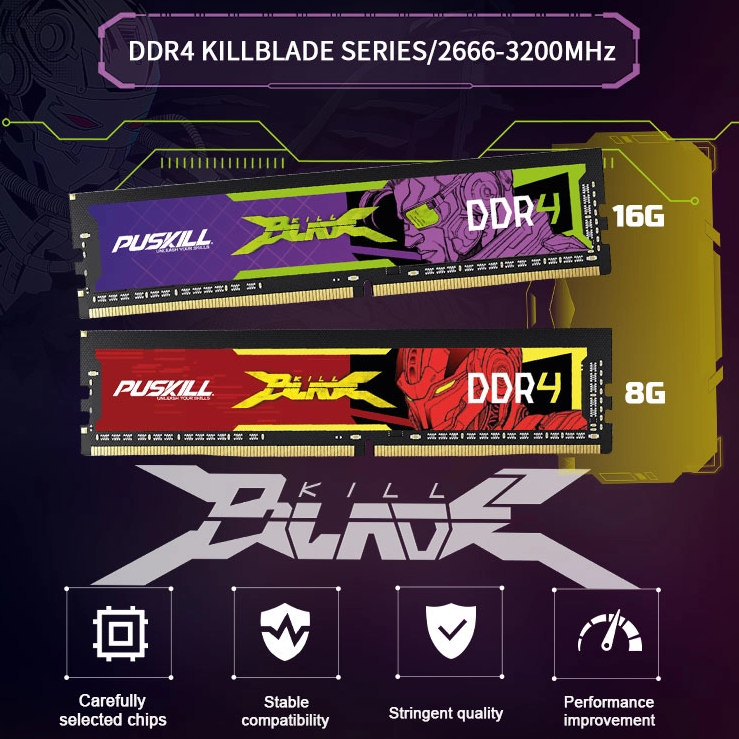
System stability starts with high-quality memory modules. Don’t let a slow PC hinder your productivity.
A DDR4 desktop memory module is a vital investment. it improves multitasking and prevents random system crashes. focus on matching your sticks for the best results. enable XMP to get the speed you paid for. your computer will feel faster and more reliable instantly. Enjoy a smoother digital life with the right hardware.


Add comment