
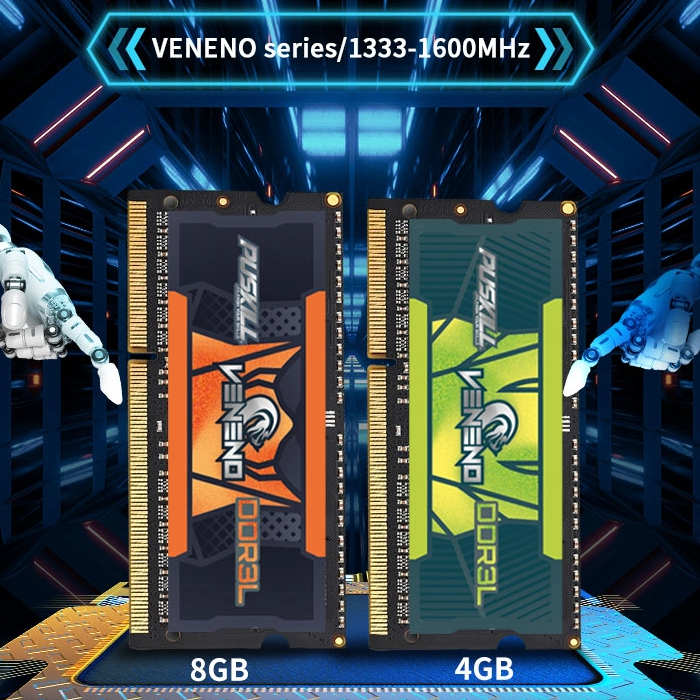
Modern gaming moves at a lightning-fast pace. Most players focus entirely on their GPUs. However, memory plays a silent but vital role. Many legacy systems still rely on older hardware. You might wonder if older tech is enough.
Using DDR3 for gaming PC builds is a common choice for budget setups. This memory standard powered many legendary gaming rigs. But how does it handle 2026 gaming demands?
Understanding the Role of RAM in Gaming
RAM acts as your computer’s short-term memory. It stores data that the CPU needs quickly.
When you play, the CPU constantly requests files. These files include textures, physics data, and scripts. If the RAM is slow, the CPU waits. This waiting creates a bottleneck in your system. Consequently, your frame rates might drop or stutter. Memory speed directly influences the flow of data.
Why Bandwidth and Latency Matter
Bandwidth determines how much data moves at once. Latency measures the delay before data starts moving. DDR3 for gaming PC typically has higher latency than newer standards. However, it often features very tight timings. This can help performance in specific older game engines.
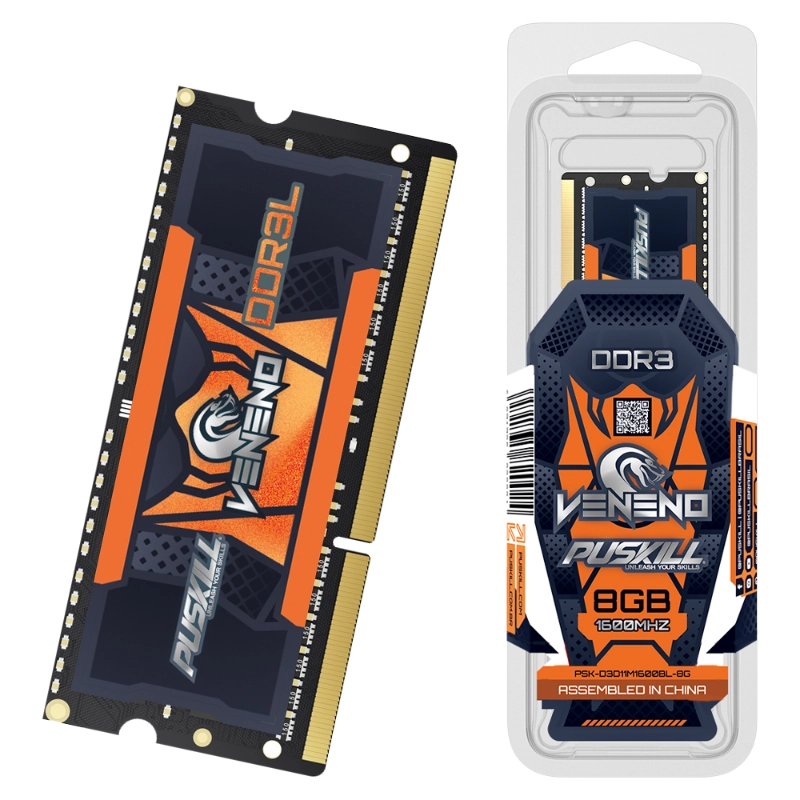
Does DDR3 Impact Your Average FPS?
The short answer is yes, but it varies. The impact depends heavily on your specific game.
In GPU-bound games, RAM matters much less. These games put the most stress on your graphics card. Titles like The Witcher 3 show minor differences. You might only lose a few frames per second. However, CPU-bound games tell a different story. These games require constant communication with your memory.
-
- Competitive Shooters: Games like CS:GO thrive on fast RAM.
- Open World Titles: Loading massive maps requires high bandwidth.
- Simulation Games: Complex physics calculations stress the memory bus.
The 1% Lows and Game Smoothness
Average FPS is not the only important metric. We must also look at “1% Low” frames. These represent the brief stutters during heavy action. Slow memory often causes these sudden performance dips. A reliable DDR3 setup minimizes these annoying stutters.
Capacity vs. Speed: What Wins for Gamers?
Many users ask if speed is more important than size. In the gaming world, capacity usually comes first.
If you run out of RAM, your PC crashes. The system starts using the slow hard drive. This results in massive lag and terrible performance. For most games, 16GB is the current “sweet spot.” Even with DDR3 for gaming PC, 16GB allows for multitasking. You can run Discord and your game simultaneously.
Finding the Speed Sweet Spot
DDR3 speeds usually range from 1333MHz to 2133MHz. Higher speeds offer better performance in modern titles. If your motherboard supports it, aim for 1866MHz. This provides a noticeable boost over the base speed. It helps the CPU process data more efficiently.
Dual Channel vs. Single Channel Configurations
How you install your RAM is critical. Many beginners make a very common mistake here.
They only use one stick of RAM. This is known as “Single Channel” mode. It cuts your available memory bandwidth in half. Your CPU can only access one “lane” of data. Always use two matching sticks for “Dual Channel” mode. This doubles the data path to your processor.
The Performance Jump in Dual Channel
Moving to Dual Channel can increase FPS significantly. In some games, you might see a 20% jump. This is the easiest way to boost your rig. Make sure your sticks are in the correct slots. Check your motherboard manual to verify the placement.
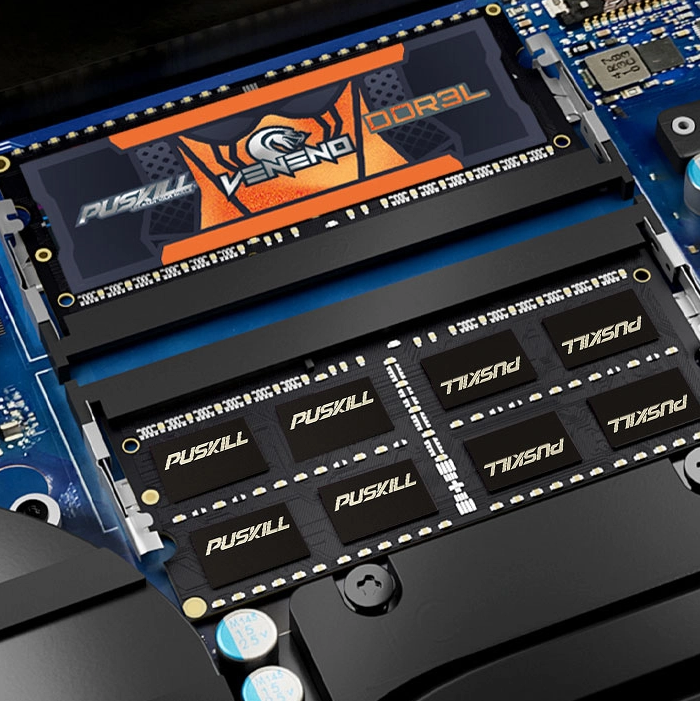
The Bottleneck Effect on High-End GPUs
Using an old memory standard has its risks. It can “choke” a modern, powerful graphics card.
If you pair a new GPU with DDR3, be careful. The GPU might wait for the RAM to catch up. This means you aren’t getting your money’s worth. The GPU stays under-utilized during the entire game. This imbalance is a common issue in “Frankenstein” builds.
Overclocking DDR3 for Extra Performance
Can you squeeze more life out of your old RAM? Overclocking is a popular option for enthusiasts.
Many DDR3 for gaming PC kits handle higher speeds well. You can adjust the voltage in the BIOS menu. Small increases in frequency can improve your frame stability. However, always monitor your system temperatures closely. Heat is the primary enemy of overclocked hardware.
-
- Enter BIOS: Restart your PC and hit the Delete key.
- Enable XMP: Use pre-set profiles for easy speed boosts.
- Manual Tweak: Adjust timings for even lower latency.
- Stress Test: Use software to ensure the system is stable.
Thermal Management and RAM Reliability
DDR3 operates at higher voltages than DDR4 or DDR5. This means it generates a bit more heat.
Most gaming RAM includes metal heat spreaders. These help dissipate warmth during intense gaming sessions. Ensure your PC case has good overall airflow. High temperatures can cause memory errors and crashes. Keeping your RAM cool extends its lifespan significantly.
The Importance of Stability Testing
Unstable RAM causes the “Blue Screen of Death.” This can happen during the most important match. Always run a stability test after changing your settings. MemTest86 is a great tool for checking your memory. It ensures your DDR3 for gaming PC is 100% reliable.
Is it Time to Upgrade Your Platform?
Eventually, every technology reaches its final limit. DDR3 is an older standard in today’s market.
Modern CPUs now require DDR4 or DDR5 memory. If you want the latest tech, you need a change. This usually requires a new motherboard and CPU. However, if your current games run well, stay put. There is no need to spend money unnecessarily.
-
- Pros of Staying: Very cheap to find used replacement parts.
- Cons of Staying: No path to the newest processor generations.
- The Middle Ground: Max out your current DDR3 capacity first.
Best Value DDR3 Kits for Budget Builds
You can find amazing deals on the used market. Many premium kits are now very affordable.
Look for brands like Corsair, G.Skill, or Kingston. These companies made high-performance DDR3 for gaming PC kits. Look for “CL9” or “CL10” ratings for low latency. These kits offer the best “bang for your buck” today. They provide a reliable experience for entry-level gaming.
Checking Motherboard Compatibility
Not every motherboard supports every speed of RAM. Check the manufacturer’s website for the “QVL” list. This tells you which RAM sticks work best. It prevents compatibility issues that cause boot failures. Always double-check before you click the “buy” button.
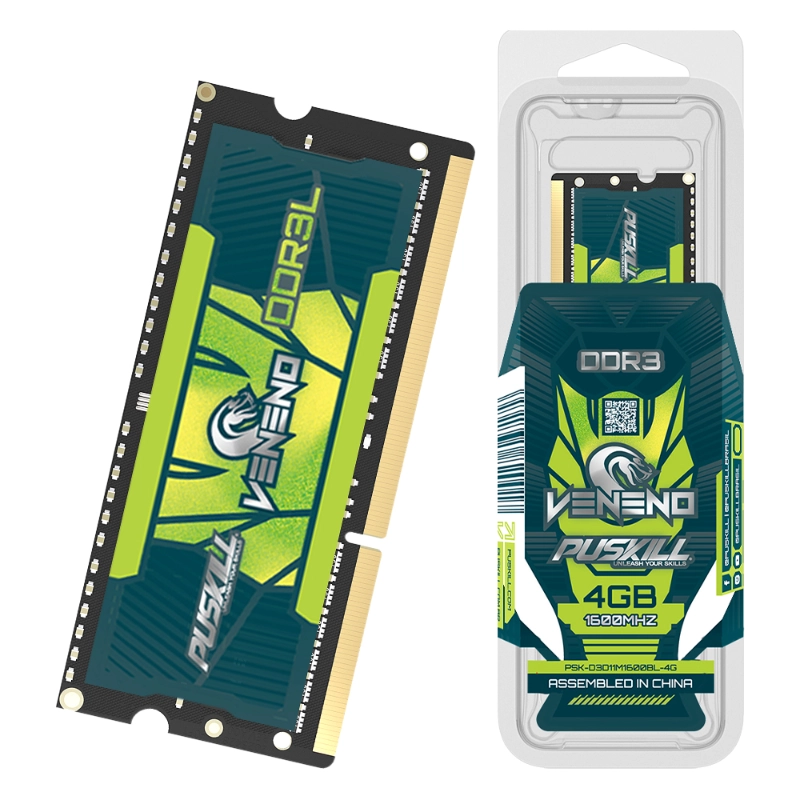
Final Thoughts on DDR3 Gaming Performance
DDR3 memory is still surprisingly capable for many users. It handles eSports titles and older games beautifully.
While it lacks the speed of DDR5, it works. Focus on capacity and Dual Channel configurations first. These factors have the biggest impact on your FPS. A well-optimized DDR3 for gaming PC is still a joy. Keep your drivers updated and your system clean. Enjoy your gaming journey without breaking the bank.

Add comment